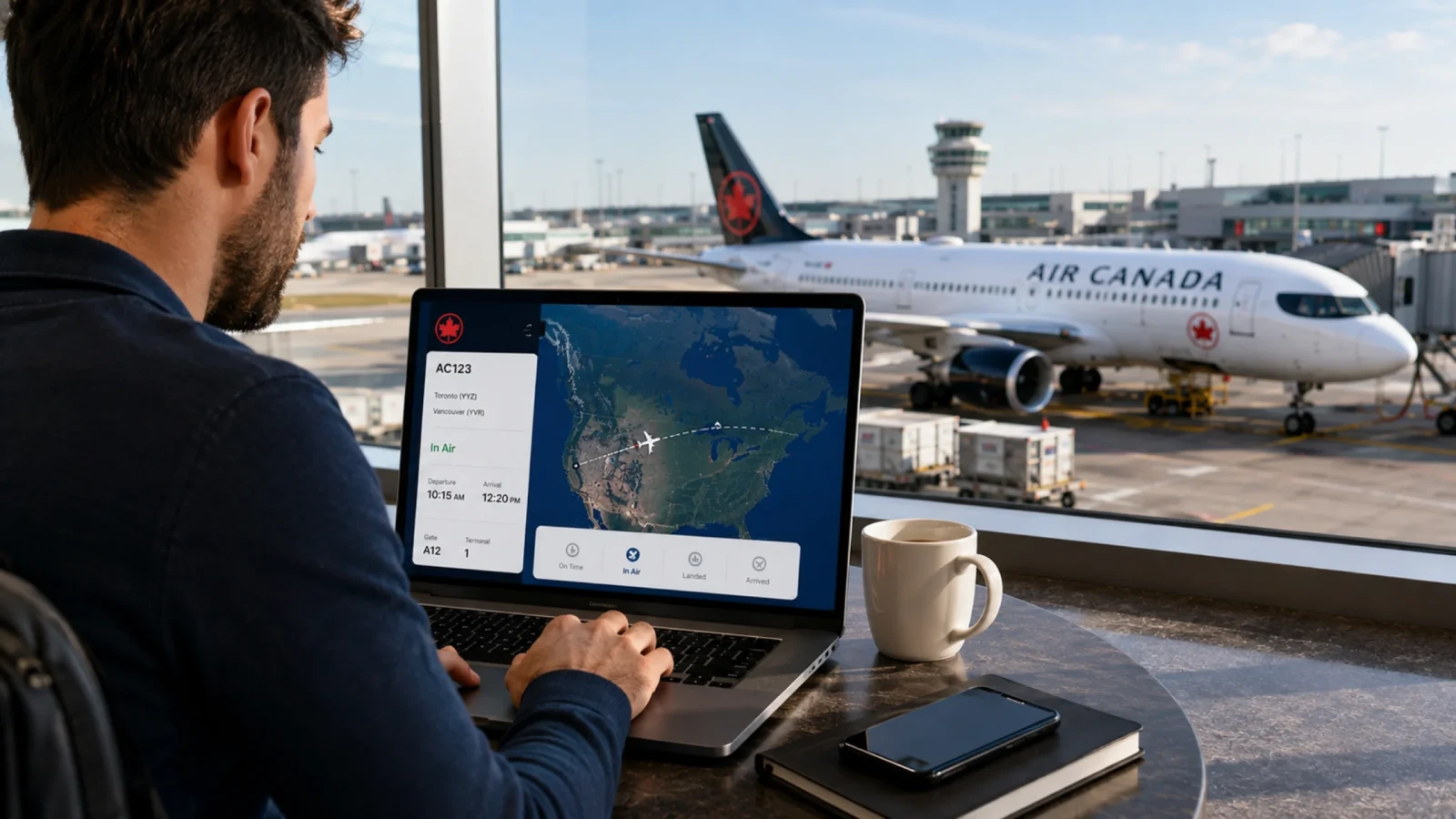
One of the best methods to ensure a smooth, stress-free travel day is to check your Air Canada Flight Status before you leave. Flight status is subject to change fast owing to weather, air traffic control delay or other operational factors. Being aware of your flight’s real-time schedule keeps you prepared and saves you from unnecessary waiting time at the terminal. Air Canada has real-time tracking capabilities that show you scheduled, estimated and actual departure and arrival timings, so you’ll always be in the know at every stage of your journey. If you know your flight number, or like to find flights by departure and arrival routes, you get what you need current and accurate with a few clicks.
Why Should You Check Your Air Canada Flight Status?
Check the status of your flight to stay on top of your journey. Being informed allows you to:
Time saving at the airport: If your trip is delayed, stay longer at your home or your hotel.
Gate changes and terminal upgrades: Gates change often, especially at big hub airports such as Toronto Pearson, Vancouver or Montréal-Trudeau.
Arrange ground transportation: Inform family, friends or pick-up services of your exact time of arrival.
Be ready for delays: If in any case your flight gets delayed due to bad weather or gets cancelled you can reebok the flights sooner.
Different Ways to Check Air Canada Flight Status
You may follow your flight status to keep ahead of schedule, monitor actual travel plans, and get real-time departure and arrival times. Following live updates helps you follow gate changes, keep an eye out for any delay notices, and monitor aircraft movement through official digital tools or airport resources.
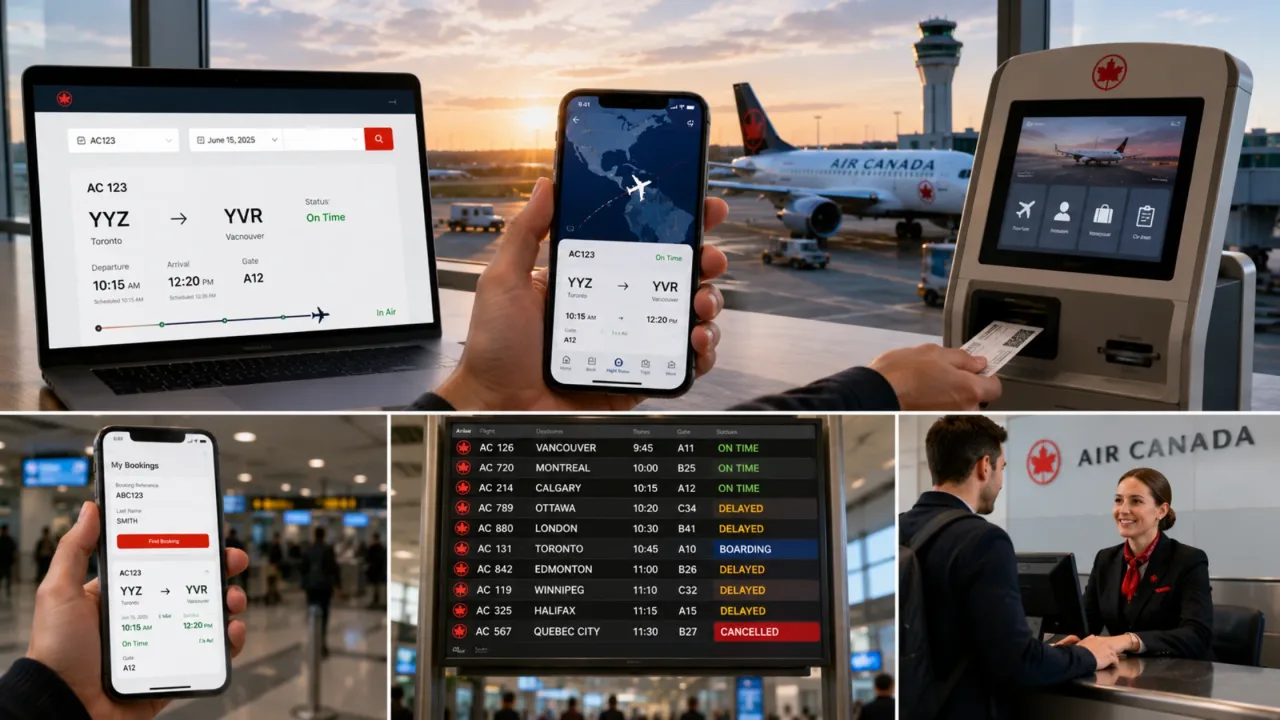
Now, here are the step-by-step ways you can find your flight:
Check Flight Status by Flight Number
If you know your itinerary or ticket information beforehand, searching directly by flight number will yield the fastest most specific results:
Find Your Number: Enter the number in the flight code on your e-ticket, booking confirmation email or boarding pass (e.g. enter 123 for flight AC123).
Travel Date: Select the date you wish to depart (Air Canada lets you browse yesterday's, air canada flight status today or tomorrow's schedules).
Search for live updates: Get the real-time departure or arrival time, assigned gate, reasons for delay, and current phase of flight.
Check Flight Status by Route
You can also air canada check flight status if you don't have the flight number or if you are looking for flights for someone else by origin and destination details.
Enter Airports: Enter or select your departure airport (origin) and arrival airport (destination) by city name or 3-letter airport code (ex: YYZ for Toronto, YVR for Vancouver).
Select Date: Enter a date for the journey to view all active Air Canada flights on the same path.
Compare Options : View the full schedule of direct and connecting flights and the status of their operation
Check Flight Status Through the Air Canada Mobile App
For travelers on the go, the air canada flight tracker offers the most seamless tracking experience:
Instant Guest Lookup: No Account Login Needed. Search any flight in a seconds from the main screen.
Save to Trip Tracker: Add an active flight to the app to track incoming plane status, standby lists and upgrade availability automatically.
Push Notifications: You can receive instant notifications on your lock screen when the gate changes, when boarding is called, and when delays occur.
Check Flight Status via Booking / PNR Reference
If you have an active booking and wish to air canada check in flight status details in your itinerary:
Manage Booking: Sign in to the Air Canada website or App, and click “My Bookings”.
Details: Please enter your 6 digit Booking Reference (PNR) & Passenger’s Last Name.
Access Flight Status: Access real-time Air Canada Flight Status information for a particular flight including assigned seats, baggage allowance
Check Air Canada Flight Status at the Airport
If you have already reached the airport, you can check the flight status on the airport screens:
Flight Arrival and Departure Boards: The large LED screens showing all departing and arriving flights can be found in check-in counters, security zones, and walkways to identify the flight status, gate number, and other information.
Air Canada Kiosks: Go to any Air Canada self-check-in kiosks and present your boarding pass or enter your booking information. Your flight details including time, boarding and other information will be available on screen.
Gate and Service Counters: Ask an Air Canada representative at the check-in counter or directly at your gate. By enquiring you will be helped with the latest updates on the gates, changes or and delay and cancellation about your trip.
Understanding Air Canada Flight Status Terms
When you check your Air Canada Flight Status online, on the mobile app or on airport screens, Air Canada utilises particular operational jargon to describe the real-time progress of your trip.

Scheduled
Scheduled means your Air Canada Flight Status is scheduled to operate as published and is not expected to alter. Standard airport arrival times are recommended. Usually two hours before departure for domestic travel and three hours for international flights.
Boarding
A flight designated as Boarding means passengers are scanning their boarding tickets and walking onto the plane at their designated gate. If you observe this status please continue directly to your gate and queue up with your boarding group.
Departed
This status signifies the plane has departed the gate and is either taxiing or taking off. If you are on board, it officially means your flight has begun. If you are waiting for arriving passengers, checking air canada flights tracking verifies the jet is on its way.
In Air
In Air status means the flight has taken off and is cruising to its destination airport. Tools for air canada flights tracking give travellers and pick-up contacts the current speed and altitude, and the arrival time as it is updated.
Landed
The plane has landed safely on the runway, but is currently taxiing to the gate. The crew members kindly ask all passengers to remain seated with their seatbelts fastened. If you are waiting to air canada track flight progress for arriving passengers you may proceed to the arrivals area. Deplaning normally takes an additional 15 to 30 minutes.
Arrived
This state means that the aircraft is parked at the gate, connected to the jetbridge and its doors open for passengers to deplane. Once this Air Canada Flight Status appears, arriving guests can make their way through the terminal to claim their baggage at the assigned carousel.
Diverted
Diverted implies that the aircraft was unable to land at the intended destination owing to extreme local weather, medical emergency or operational necessity and has landed at an alternate airport. Air Canada will post live updates on its air canada flight tracker app about things like refuelling plans, ground transportation and rescheduled connecting flights.
What Information Does Air Canada Flight Status Show?
When you check your Air Canada Flight Status you’ll receive important information that goes beyond just timing updates. Following is a glance at the information provided on the tracking interface:
| Feature | Detail |
|---|---|
| Flight Information | Description |
| Flight Number | Unique AC flight number assigned to your trip (e.g., AC105) |
| Flight Route | Origin city/airport and final destination airport |
| Departure Time | Scheduled, estimated, and actual departure times |
| Arrival Time | Scheduled, estimated, and actual arrival times |
| Flight Status | Operational state (Scheduled, Boarding, Departed, In Air, Landed, Arrived) |
| Terminal | Assigned departure and arrival terminals |
| Boarding Gate | Current assigned gate at the airport |
| Aircraft | Assigned aircraft type (e.g., Boeing 787, Airbus A320), subject to operational availability |
| Baggage Information | Assigned baggage carousel details upon arrival (where available) |
Tips for Tracking Your Air Canada Flight More Efficiently
Find your Air Canada flight number on your travel itinerary or boarding card and store it in your phone notes.
Download the official Air Canada app and enable push notifications to air canada check flight status updates on gate changes and delays.
Check your air canada flight status today just before you leave your house or hotel to confirm departure time and gate info.
After security, check display monitors or the app for any last-minute gate adjustments.
Know your departure and arrival terminals in advance so you can head immediately to the appropriate drop-off zone and baggage carousel.
Conclusion
To make your travel experience easy and stress-free, it’s important to check your Air Canada Flight Status. Being informed puts you one step ahead, whether it’s saving time at the airport, tracking real time route updates, managing gate changes or knowing operational status terminology. So, be sure to read this site thoroughly & save for future aid when you travel so you always know how to air canada track flight options quickly.
Frequently Asked Questions
Air Canada Flight Status Check your Air Canada Flight Status online on the official Air Canada Flight Status page, on the mobile app or by signing up for SMS notifications. You will need either your number flight or your departure and arrival route information.
You can check in on a mobile device, online or at an airport kiosk, up to 24 hours before your Air Canada trip. The official mobile choices are the quickest and easiest method to manage your boarding pass and track luggage, most users on Facebook agree.
Yes, you can follow your flight online through the airline websites, general search engines or live tracking applications. You will need your flight number, route or booking reference.
With Air Canada you can check in online any time during the 24 hours before your flight's planned departure. You can check in via Air Canada Check-In Portal or Mobile app.
You may track the status of a flight using online tracking tools, the airline’s website/app or even a simple Google search. Some of the main ways are to use FlightAware , FlightStats or enter the flight number directly into a search engine.