

Checking the status of a Delta flight is a simple and easy task that allows passengers to stay updated from takeoff to landing. You can check the status of your own trip, a specific destination, or a connecting flight easily by using a flight number, departure and arrival routes or airport information. Travelers who are looking for delta Flight Status will find real-time information about the departure and arrival times, current flight position, gate and terminal details, and any flight schedule changes.
What Do You Need to Check Delta Flight Status?
When you need to check the status of a Delta flight, having the right information ahead of time means you’ll get fast, accurate replies. For checking your delta flight status you need some details based on the flight search you wish to perform:
| Information Needed | Status / Priority | Why It Matters & How It's Used |
|---|---|---|
| Delta Flight Number | Yes, easiest option | The unique numeric code assigned to a specific flight segment (e.g., DL1234). Searching by flight number yields direct, instant results. |
| Departure Airport | Useful | The originating airport (e.g., ATL, JFK). Required if searching by route rather than flight number. |
| Arrival Airport | Useful | The destination airport (e.g., LAX, LHR). Helps narrow down specific legs when searching without a flight number. |
| Travel Date | Important | Airlines reuse flight numbers daily. Specifying the exact departure date ensures you track today’s or tomorrow’s flight rather than yesterday's. |
| Passenger Name | Usually not required | Basic operational flight status is public information. Names are only needed if you are pulling up a complete personal travel reservation. |
| Confirmation Number | Useful | A 6-character alphanumeric code (PNR). Useful for logged-in passengers looking to pull up their personal itinerary directly. |
How to Check Delta Flight Status
There are a few simple ways to track a Delta flight, depending on what you have at your disposal:
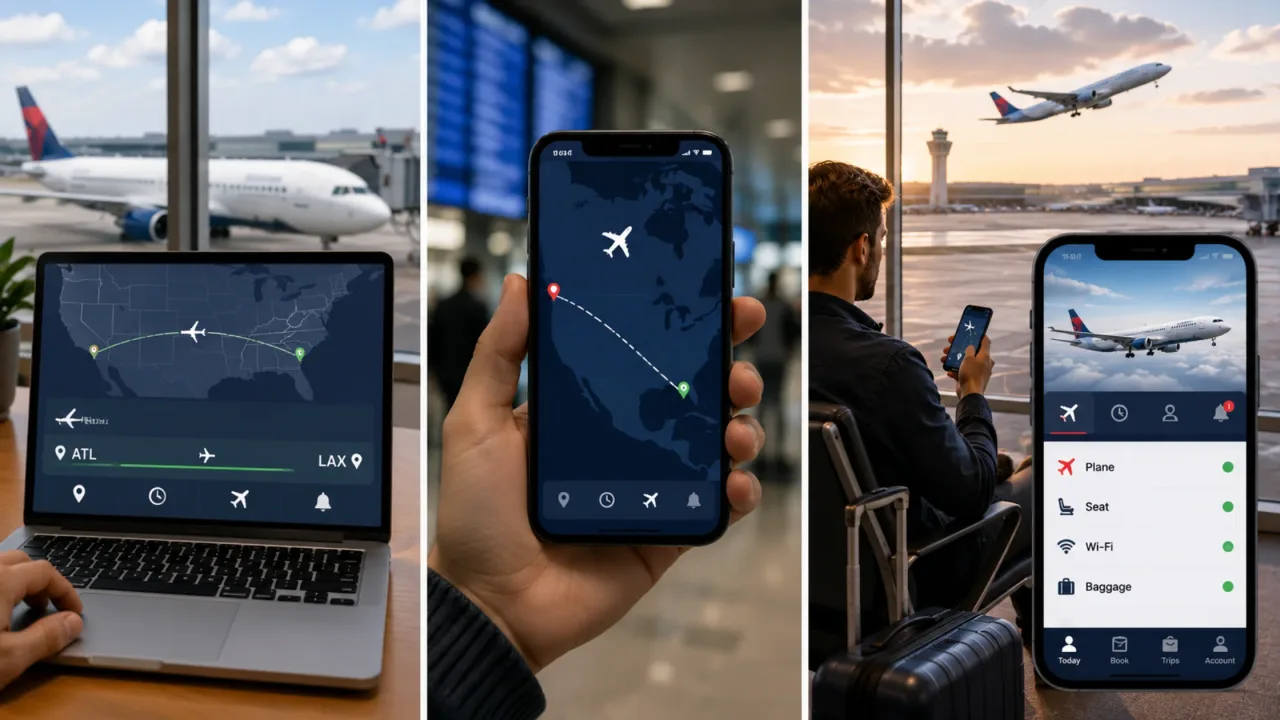
Check Your Delta Flight Status by Flight Number
The fastest and most direct way to get instant updates on a certain flight is to look up delta flight status by flight number. If you have your flight number in hand, this is the best way since it avoids general route lists and straightens you to the operational details.
Navigate to the Flight Tracking Tool: To start tracking, you should open the flight status tab directly on Delta website or using the flight Delta mobile app.
Enter the Delta flight number: Next,input your 1 to 4 digit flight number into the search box, noting that you usually do not need to include the ‘DL’ airline code on most search fields.
Select trip date: Use the calendar option to select your travel date so that you are viewing the schedule for your flight.
Check the latest flight information: After searching, you may view updated flight details, including direct access to a live flight map, current plan status, gate information and correct departure and arrival times.
Check Delta Flight Status by Route
If you don’t have the exact flight number, tracking by route allows you to find any scheduled departure between two cities. This is particularly helpful when tracking options for family members or comparing several flight times operating on the same day. Checking your delta flight status by flight number or route will display all active options.
Search by Route: Don't type in a flight number, use the origin/destination choice on the flight tracking search screen.
Departure airport: Type the city name or the 3 letter IATA code (ATL for example Atlanta) in the departure box to let us know where your trip starts.
Destination arrival airport: Enter city name or 3 letter IATA code for your destination arrival field.
Choose your travel date: You can use the calendar selector to pick your departure date so that you can get the correct timetable.
Select your flight from the list: Review the full list of operating non-stop and connecting flights for that route and select your exact flight to view its real-time tracking details.
Check Delta Flight Status Through the Delta App
The official Fly Delta app is the easiest way to control and monitor your journey, wherever you are. Checking delta flight status today automatically syncs your travel itinerary and sends current operational updates directly to your mobile device, so you’re in the know at every turn of your journey.
View flight details: Open the Fly Delta app (iOS/Android). Passengers that are logged in will see their active trip under the "Today" tab.
See live updates: Get connected to your flight to see interactive live radar mapping, aircraft tail numbers, onboard amenities and seat maps.
Get notified: Set up app notifications for quick alerts on gate changes, delays, boarding announcements, baggage claim and more.
What Information Does Delta Flight Status Show?
You can load the operational summary of a flight and check out the delta airlines flight status page.Details of flight records and terminal logistics are as follows :
| Feature | Detail |
|---|---|
| Flight Status Information | What It Tells You |
| Flight Number | Identifies your specific Delta flight (and any codeshare partner numbers). |
| Departure Airport | Where the flight begins, including the specific concourse and terminal building. |
| Arrival Airport | Where the flight is headed, including baggage claim carousel information. |
| Scheduled Departure | The original departure time was published in the official timetable. |
| Estimated Departure | The updated departure time based on real-time operational factors. |
| Actual Departure | The exact time the aircraft pushed back from the gate or took off from the runway. |
| Scheduled Arrival | The original estimated landing time. |
| Estimated Arrival | The continuously updated expected arrival time. |
| Actual Arrival | The exact moment the aircraft landed on the runway or parked at the gate. |
| Gate | Current concourse gate assigned for departure or arrival. |
| Terminal | Specific airport terminal building where passengers check in or deplane. |
| Flight Status | Current operational status (e.g., On Time, Boarding, In Flight). |
When Should You Check Your Delta Flight Status?
Track you flight status at important point along your trip to save surprise and keep travel stress-free
Check Before Leaving for the Airport
Check your Delta Flight Status from home or hotel before you head to the airport. If things go wrong and you have an unplanned delay or cancellation, you can adjust your departure time or re-book before you set off. Early check-in means more travel time and if your departure window is delayed you can rest in style.
Check Again Before Check-In
Double check the timing before checking in online 24 hours in advance or dropping off checked bags at the airport kiosks. Checking delta flights status at this stage is to verify that the luggage drop windows are open as scheduled and that your assigned seat and itinerary information have not altered.
Check Your Gate After Arriving at the Airport:
Once through security, look on security screens or Fly Delta app for airport updates. Gates can vary frequently with the scheduled flights. Once you reach the airport, check your gate promptly to avoid going to the wrong concourse wing or missing any critical localized gate announcements.
Monitor Your Flight Before Boarding
Monitor your delta flight status today as you wait in the concourse, as boarding schedules and small delay modifications may change without much notice. Active monitoring means you’re aware of zone calls, personnel availability, or short turn-arounds that could speed up or slightly change the boarding procedure.
Check the Status of Your Connecting Flight
If there is a stopover during your route, check your next flight while still in the air or as soon as you arrive at the hub airport. Reviewing the flight status delta provides while taxiing gives you a head start on confirming your next departure gate, whether your stopover window is still secure and mapping out your walk across terminals before you step off the plane.
How accurate is Delta flight status information
Understanding how flight status tracking works behind the scenes can keep you in the driver’s seat of your schedule and guide you on what to do next on your travel day. Delta flight status information is normally rather reliable. It is updated in real-time from Delta's central flight operations system and from sensors on the aircraft. When a flight is in the air, tracking data, speed, and predicted arrival timings are exceedingly precise thanks to direct satellite radar feeds. But pre-departure itineraries and gate allocations can change fast amid severe weather or maintenance delays. However, the best method to stay ahead of changes is to always check the official Fly Delta app or to follow the arriving aircraft for your journey.

Why Flight Information Can Change
Trip schedules are subject to change due to local weather, ATC ground pauses, mandated maintenance checks or delays with the inbound aircraft assigned to your trip. Additionally, changes in airport surface congestion, crew rest requirements, or unforeseen medical holds while checking delta flights status may lead to rapid operational updates.
How Often Is Flight Status Updated?
The aircraft sensors, air traffic control towers and ground handling crews all feed an automated stream of telemetry data into Delta’s central flight dispatch systems. State-of-the-art systems like ACARS (Aircraft Communications Addressing and Reporting System) automatically communicate real-time data from engine start, door closures and taxi times to touchdown, on the runway straight to Delta servers seconds after the event.
Which Source Should You Check for the Latest Update?
To ensure you have the most correct and binding information, always refer directly to Delta's official website, the Fly Delta mobile app, or official airport gate screens to check your Delta Flight Status. The feeds go directly to Delta's Operational Control Center (OCC), where assignments to gates, live tracking and passenger rebooking decisions are made without sync delays.
What to Do When Your Delta Flight Status Changes
Your trip plans stay on track with timely response when your Delta Flight Status updates:
If the departure time changes: Adjust your gate wait time accordingly, but stay relatively close to the gate area. Occasionally expected departure times may be advanced due to rapid weather or maintenance clearance.
Gate Changes: Check airport concourse maps on the Fly Delta app and follow overhead directional signage inside the terminal to the new gate position.
If terminal changes: Take airport trams, shuttles or walkways between terminals, and allow extra time if you need to go through security again.
If Your Arrival Time Changes: Inform anyone picking you up at your destination, or modify downstream arrangements such as rental car bookings, ground transports, or hotel check-ins.
If Your Connecting Flight Is Affected: Look at your remaining stopover time. If a delay has you in a very tight connection window, utilize the Fly Delta app or visit a Delta Need Help service desk to check automated rebooking alternatives for the next available aircraft.
Conclusion
Checking your delta Flight Status will assist you get real time updates on schedules, gates and terminals, so you will be able to have a problem free and stress free travel. Whether you’re tracking your trip by flight number or route on the Fly Delta app, staying on top of any operational changes helps you manage delays, gate swaps and connections confidently. To help make sure you get the most out of your trip and avoid any surprises, read this whole guide carefully and keep it for future travel reference, as it contains every step, tip, and crucial detail you need to keep your flight status tracking smooth.
Frequently Asked Questions
You may check Delta flight status with the Tool, Fly Delta mobile app, or search engine. Users tend to agree that these official and tracker sites offer the fastest live updates.
You may check your live flight status at Delta.com or with the Fly Delta app by entering your flight number or route. You can also activate Delta Messenger notifications in your account settings where you can also get real-time SMS or email alerts. Save your digital boarding pass to your mobile wallet for the fastest access on travel day with live updates straight on your screen.
Yes, Delta will endeavor to contact you if your flight is canceled via email, text message, phone call, or the Fly Delta App. However, contradictory opinions exist among passengers, as messages can occasionally be delayed or overlooked during significant system outages.
Flight status can be checked on web search engines, specific monitoring services such as FlightAware or through your airline and smartphone directly.