You wait at the airport for hours to catch your flight on time, only to find out it has been delayed. How frustrating, right? In times like these, we always feel like it is the end of the world and there is no way out.
But there is always a solution to save yourself from this daunting experience. This guide takes you through everything you require to understand about tracking Southwest flight status. You will learn how to check the tracking details of your flight, what information is required before you start, and what to do in times of cancellation or delay.
Where to check the Southwest flight status?
There are two ways to track the Southwest flight status. One way is to check on its official website, and the other one is by installing the app and logging in by entering the details.
Using the Official Southwest Website
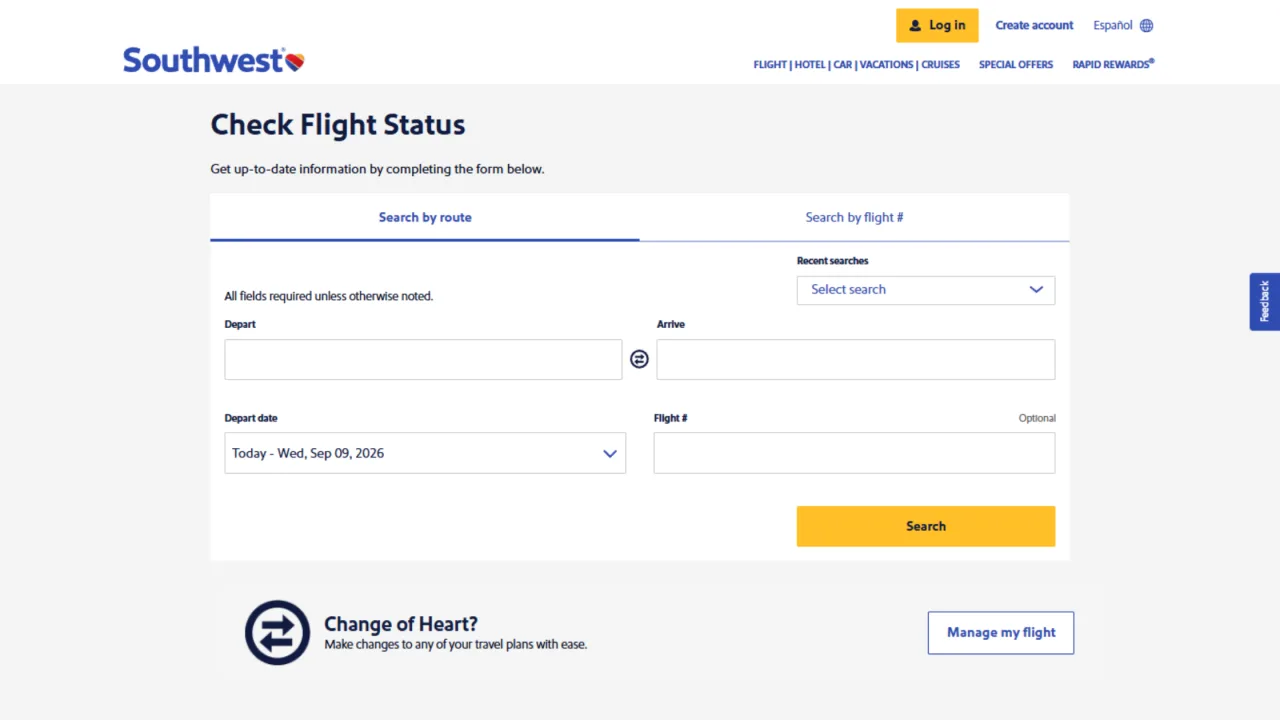
The first way to track your flight, as mentioned above, is by simply checking it on the official website. You just need to follow some simple steps mentioned below:
Search for the website page online, and fill in the correct flight details, or you can also enter the travel routes.
Recheck your details, and click the search button.
You will see the tracking details of your flight in front of you.
Using the Southwest Mobile App
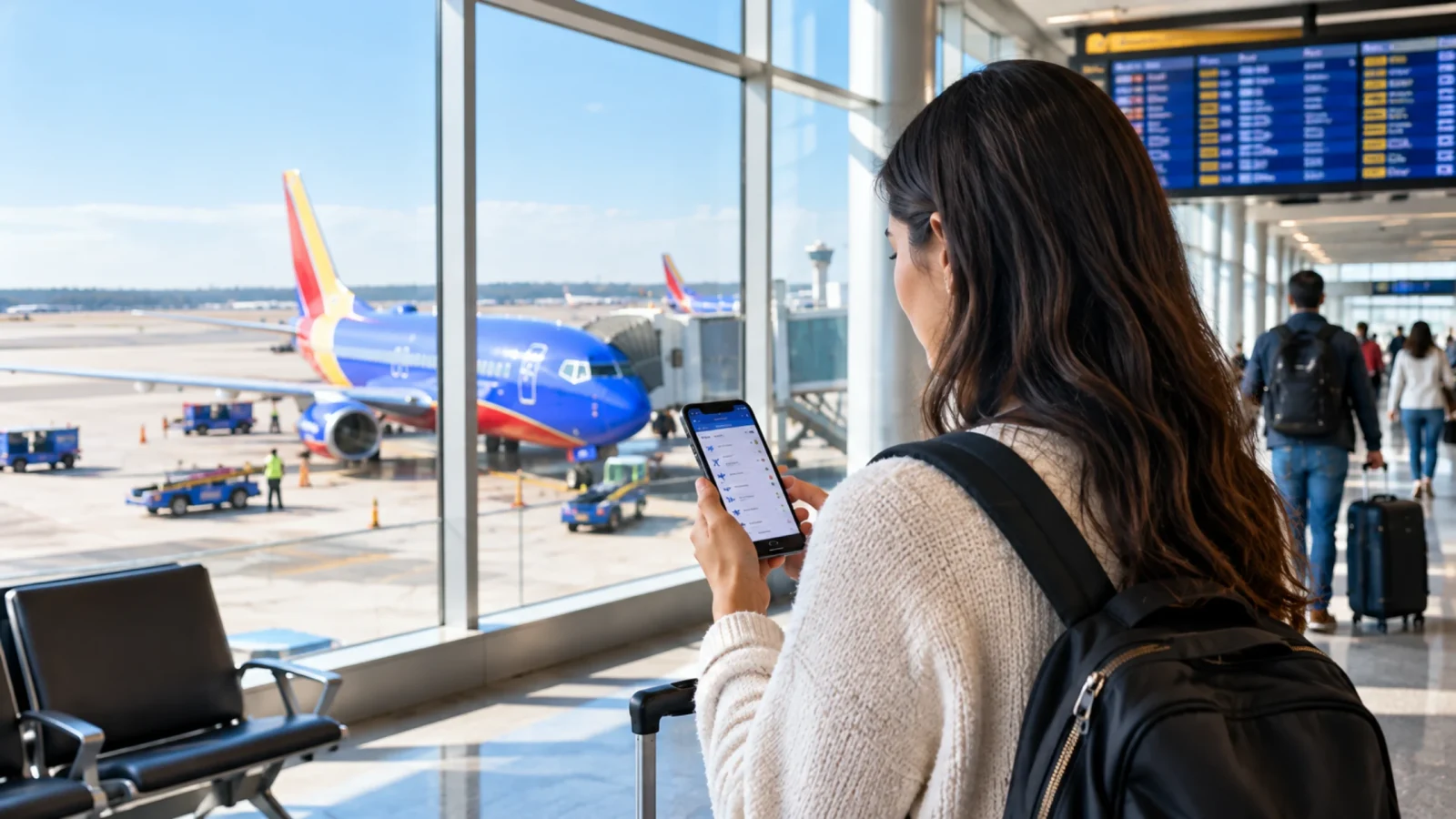
Nowadays, people want instant results. They have less patience for opening the laptop or computer and making a web search. This is where you need a mobile phone to get the instant results. You just need to follow a few steps to track the flight details.
Install the Southwest Airlines app on your phone.
Enter the necessary details like in the app and hit the search button.
The app will let you check every detail, whether it is related to seat change or checking the boarding pass.
All real-time data will be presented on your screen. You can also download widgets and add them directly on your home screen.
How do I check the Southwest flight status?
To check the flight status, you need two things. The first one is through flight number, and the latter one is through route information.
Tracking by Flight Number
The fastest way to track your Southwest flight details is by entering the flight number in the official flight tracker or a third-party tracking app. You need to follow a few simple steps, and the information will be right in front of you.
You can get the flight boarding number on the boarding pass or the e-ticket or the confirmation email that you have received.
The boarding pass will have a unique code, for example, WN9999. You need to add the code in the specific box.
After hitting the enter button, you will receive all the information related to your flight. The information includes the arrival and departure time, meals, seat number, luggage allowed, and flight tracking details like delays or cancellation.
You can use this method while tracking a flight for someone else, like a friend or a family member. For example, when you are picking up or dropping someone up or waiting for them at the airport, you just need to enter the flight tracking number, and you can see where they have reached.
Tracking by Route Number
If in any case you do not have a flight number or find it difficult to find one. You can always track your flight using the route number. Let's look at the steps mentioned below for tracking the flight using the route number.
When not having a flight number, you search the Southwest flight using the arrival and departure and arrival cities plus the date of traveling.
Enter the departure and arrival airports, select your travel date, and every piece of information is in front of you, it is that simple.
You can also use this method when you do not have someone’s flight number or you do not know when they are landing. You can simply add these details and save your day
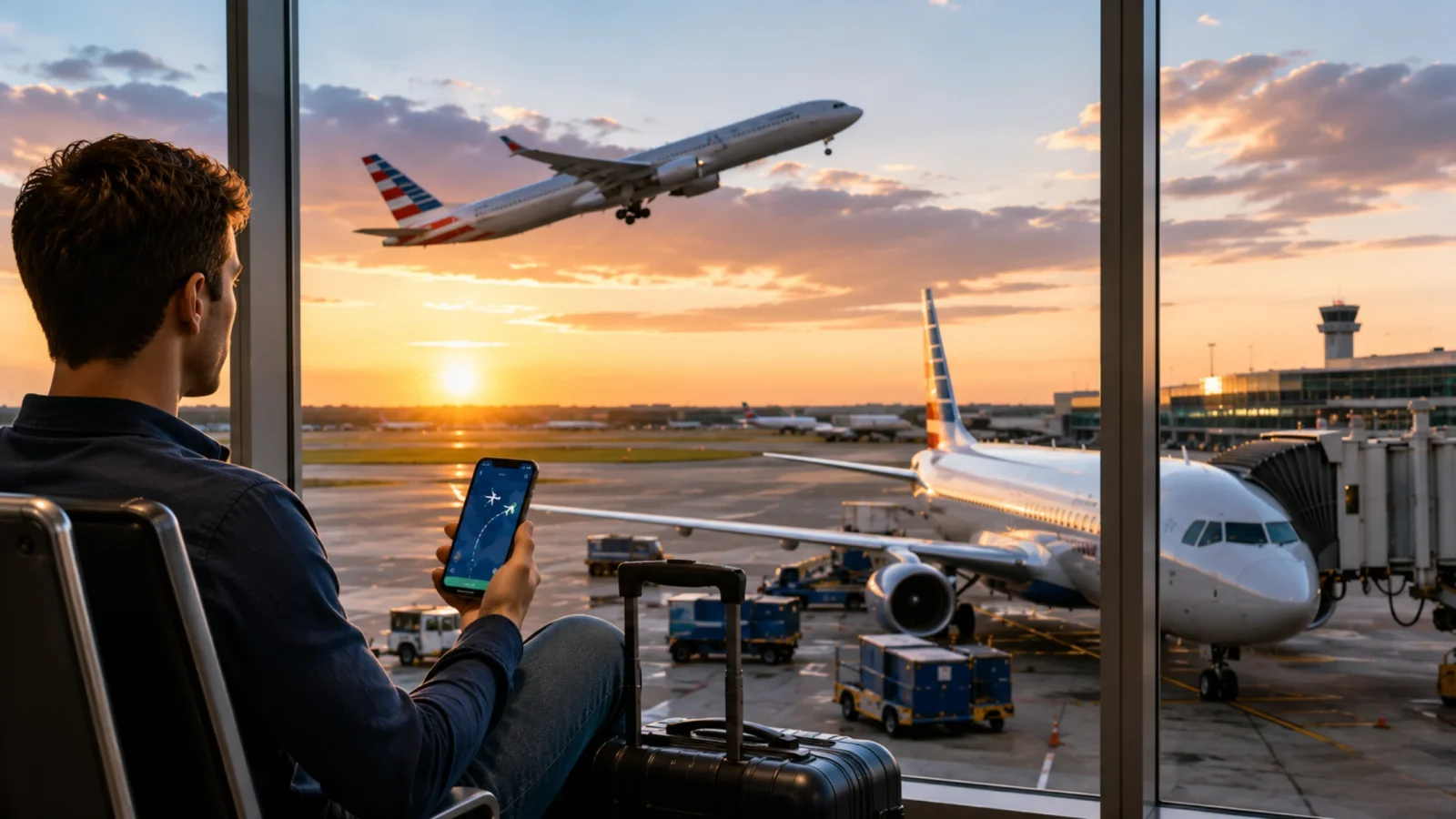
What live information will you see?
When entering your flight number or route number, you will basically see everything from flight tracking details to baggage carousel on the screen.
Real-time departure and arrival time
You will get the latest information about your flight in real time. It will present details like when the flight is arriving and if it is on schedule or running behind schedule. It will show what aircraft it is, what the different cabins are, the altitude, the region it is flying on, etc. Lastly, the most important question is when it will reach its destination.
Real-time departure and arrival times
When checking the Southwest Flight details, you will see real-time tracking details like departure and arrival timings. The system will let you know automatically if the flight is on time or running behind its schedule. Due to all this information, you can decide when to leave for the airport to board the flight or pick up someone.
Gate changes and boarding status
You will also get the latest updates about the terminal or gate change. This information is mostly useful at busy airports where there can be last-minute gate changes, delays, or cancellations. It will also provide boarding information, such as when it is about to begin or how much time is left for it to end. This will help you to plan your whole schedule for reaching the airport.
Understanding terms for Southwest flight status
The tracking apps have different terms for the passengers to describe or update them about the journey, which helps them keep prepared:
There are different technical terms that are used to signify the tracking of the flight.
| Feature | Detail |
|---|---|
| Status | Meaning |
| Scheduled | The Southwest flight status shows that the flight is awaiting its departure time, it is still at the departure gate. |
| On time | The flight will be on time, no delay expected. |
| Boarding | The passengers are asked to board the plane according to cabin class and other requirements. |
| Departed | The flight has left the boarding gate, making its way towards the runway before taking off. |
| In Air | The flight is in the air and is currently en route to its destination. |
| Delayed | The flight has not departed yet, it is late due to any reason. It can be weather conditions or technical issues. |
| Arrived | The flight has reached the airport. |
| Canceled | This means that the flight will not be operating as planned. Passengers would have to rebook another flight. |
| Diverted | The flight has been moved to an alternative airport |
What to do if your Southwest flight is delayed or canceled?
Check the Southwest app or website immediately for real-time updates, as the airline often automatically rebooks you on the next available flight. You can also rebook yourself through "Manage Reservations" or speak with a gate agent for assistance. For cancellations, Southwest typically offers a choice between a full refund or a free rebooking. Turning on flight notifications ahead of time can help you catch delays or changes as soon as they happen.

Southwest Rebooking Policies
Because of Southwest's no-change policy, the passengers can rebook onto their next available flight. This is usually done when the flight gets delayed or canceled and the airline does not charge anything, it is free of cost.
If by any chance, the status of the Southwest flight shows that it has been delayed by a few hours, Southwest Airlines takes the responsibility of rebooking your ticket to the next available flight.
Then it completely depends on you whether the rebooked flight suits your schedule. If not, then you can decline it and ask for a full refund to your original method.
You can also rebook yourself using the app or website.
Checking travel funds and compensation options
If, in any case, your flight gets canceled or delayed for any reason. The Southwest flight offers you free meals or hotel vouchers. It also offers travel funds or refunds depending on the situation.
Southwest allows you to cancel your flight 10 minutes before your original departure time.
In such cases, the full amount will be credited to your flight account, and you can use it whenever you like.
Moreover, if Southwest flights get delayed for more than 3 hours, then they will offer you free meal vouchers and extra assistance.
Contacting Southwest Customer Support
If you need any further assistance with delay or cancellation, you can always contact Southwest customer care. Make sure to keep the flight number and other details ready at the time of contacting.
In times of emergency or if you have any query related to flight status, flight tickets, cancellations, or rebooking, contact the Southwest customer carenumber.
They are available anytime for you through live chat and are always ready to help.
You can find the live app on the website and get answers to your questions.
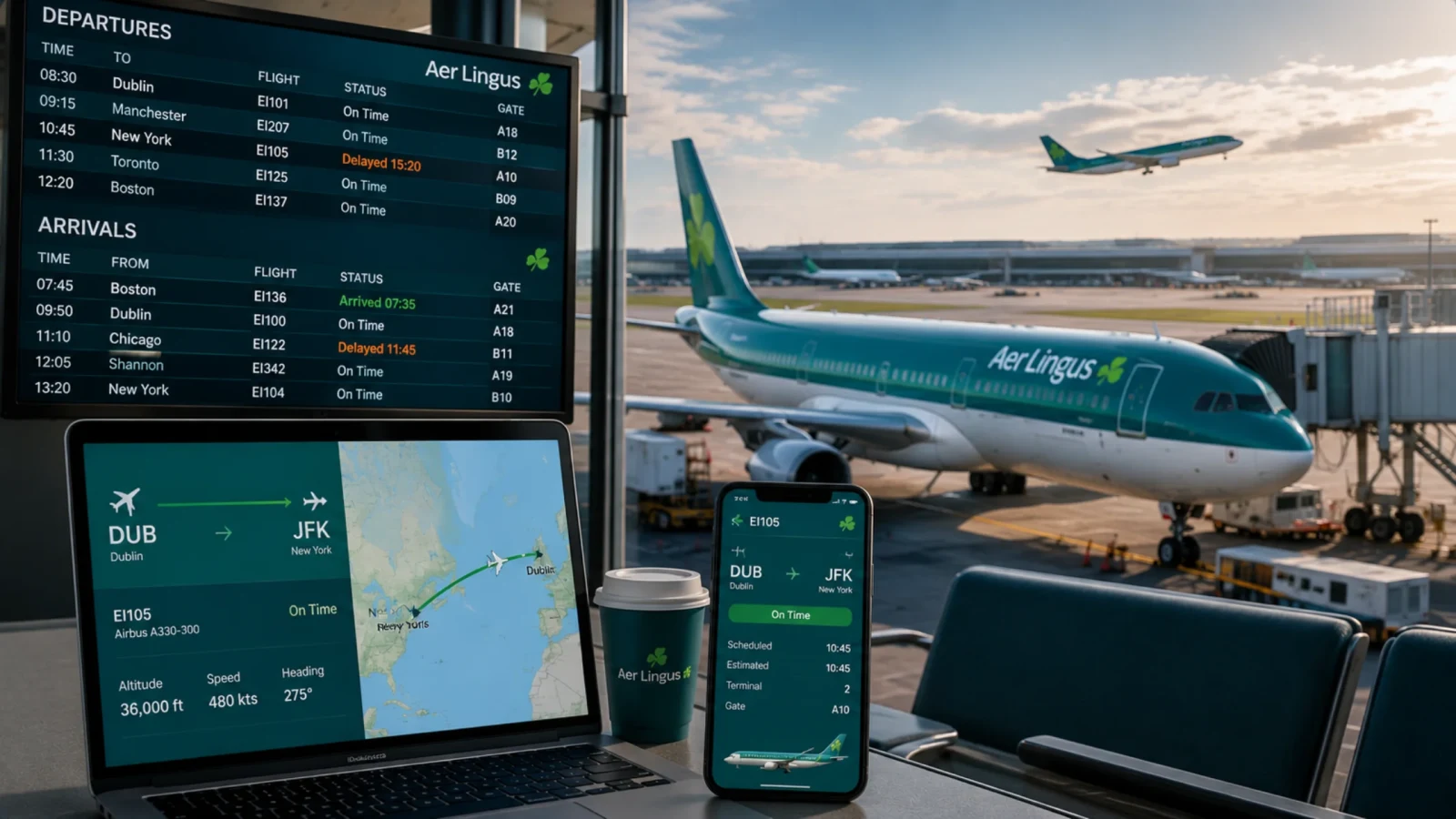
Tips for a seamless day trip
Here are a few tips to have a smooth and stress-free trip:
To get the instant updates, download the Southwest official app and make sure to enable push notifications to receive the latest updates about your flight.
You can also opt for receiving marking text messages and emails related to quick updates, immediate alerts, or check-ins.
By downloading the mobile app, you will receive instant alerts for gate changes, baggage carousel, or boarding announcements directly onto your phone.
Always make sure to check the latest updates about your flight on your app or website way before time to make sure that the flight is on time or not.
Conclusion
Still calculating time like math in your mind for boarding the flight without missing it without using a flight tracker tool. This guide is just for you. It talks about the importance of a Southwest flight tracker tool and how it will save you from the last-minute changes leading to missing your flights. Read this carefully to understand the flight status technical terms and to learn the procedure of tracking a Southwest flight and receiving the latest and daily updates about your flight through apps or emails.
Frequently Asked Questions
To check the flight status, you need two things. The first one is through flight number, and the latter one is through route information. The fastest way to track your Southwest flight details is by entering the flight number in the official flight tracker or a third-party tracking app. If in any case you do not have a flight number or find it difficult to find one. You can always track your flight using the route number.
If, in any case, your Southwest flight gets canceled, the airline will take full responsibility for rebooking your tickets, or you will receive a full refund to your original payment method (this happens when you do not wish to rebook).
You can easily check in for your Southwest flight easily through the Southwest check-in page, which can be found on the official website, or you can check in using the app.
Yes, you can track the Southwest flight in real-time using tracking tools or third-party tracking apps.
There are certain conditions under which you cannot check in the status online. For example, if you are required for an in-person verification or you are counted in the standard check-in window, then you cannot check-in online.