
We have all been there, booked the trip, packed our bags, and booked the ride, but something lingers in our mind "What if the flight gets canceled?" Sometimes we ignore such voices in our heads and move ahead, but we forget that checking the status takes just 1 minute or less than that. In this guide I will show you how I saved myself from missing my Allegiant flight. How did I check the Allegiant flight status, and what were the strategies that I used? Let's get started so that you can save yourself from missing your flight.
If you just want the answer right now, go straight to Allegiant's official flight status page. It's the most reliable source for your flight, and Allegiant also has iOS and Android apps if you'd rather check from your phone.
Checking your flight status using the Allegiant official website
Checking the Allegiant flight status through the website is considered to be the best source of information, which provides up-to-date information and helps the passengers with tracking their flight. Now let's look at the useful steps to check the flight status.
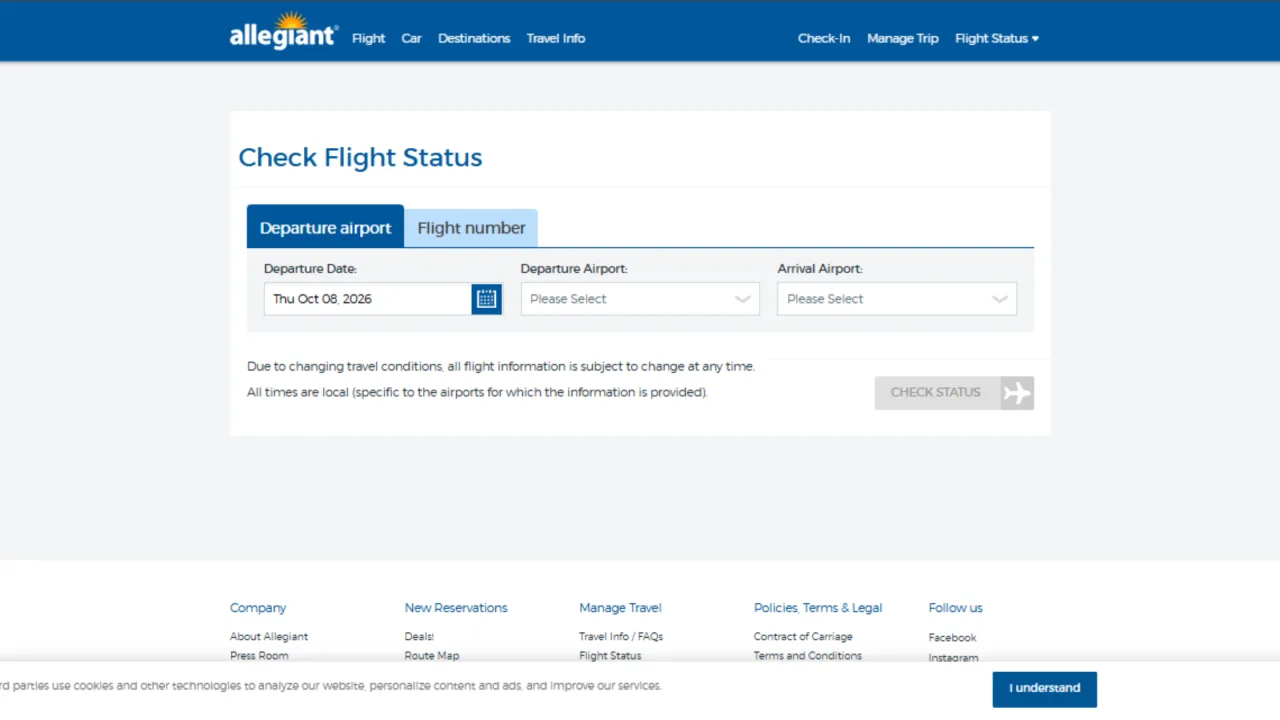
Checking through Departure Airport
Search for the official Allegiant website on the browser.
Select the first option, search through the Departure Airport
Enter the departure and arrival and the date that you are traveling on.
Click check status, and your flight information will be in front of you.
Checking through the flight number
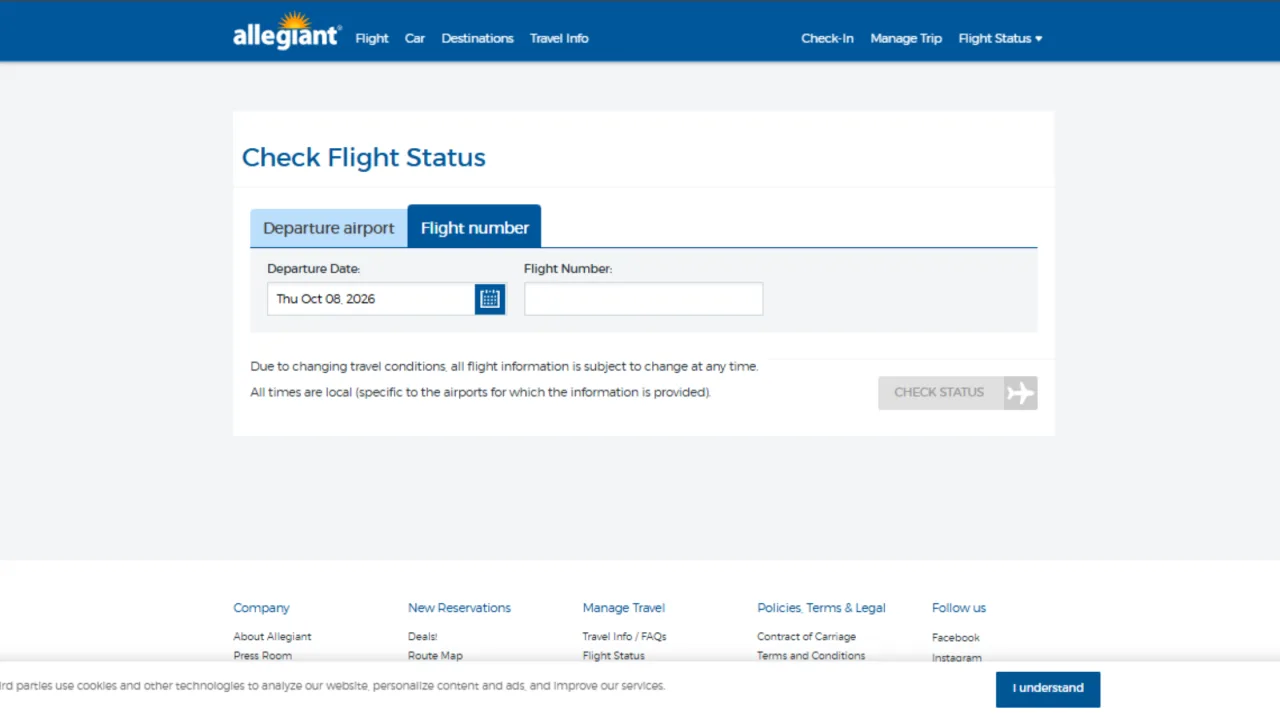
Search for the official Allegiant website on the browser.
Select the second option and search through flight numbers.
Enter the date that you are flying on and the flight number, which is available on the booking confirmation email you must have received on your given email.
Click check status, and your flight information will be in front of you.
Good to know: Make sure to keep your flight number and all the other booking details handy while checking the flight status.
Checking your flight status using the Allegiant official app
This is an era of mobile phones, people prefer everything in one tap. I prefer checking every piece of information on my phone, checking things on the website seems like a chore to me.
Let's see how to check the flight status using the Allegiant mobile app.
Download the app on your mobile phone, it is available in both iOS and Android versions.
You will see three options under the flight status. Check flight status, set flight status, and view or cancel alerts.
Go on to check the flight status option and follow the same pattern as the official website.
For the first option, check through the departure date and mention the date that you are flying with the departure and arrival airports, click on check status, and the information will be in front of you.
To use the second option, check through the flight number. Mention the date that you are flying on and the flight number given on your confirmation email, and you will instantly receive the information.
Checking your information through the mobile app can help in getting instant alerts related to important updates.

Checking through third-party tracking apps
There was a secret mantra that I learned when traveling through Allegiant flight that when the servers are down on the official websites, use third-party tracking apps. This works as a backup as well, which provides information regarding weather, altitude, and the flight's location.
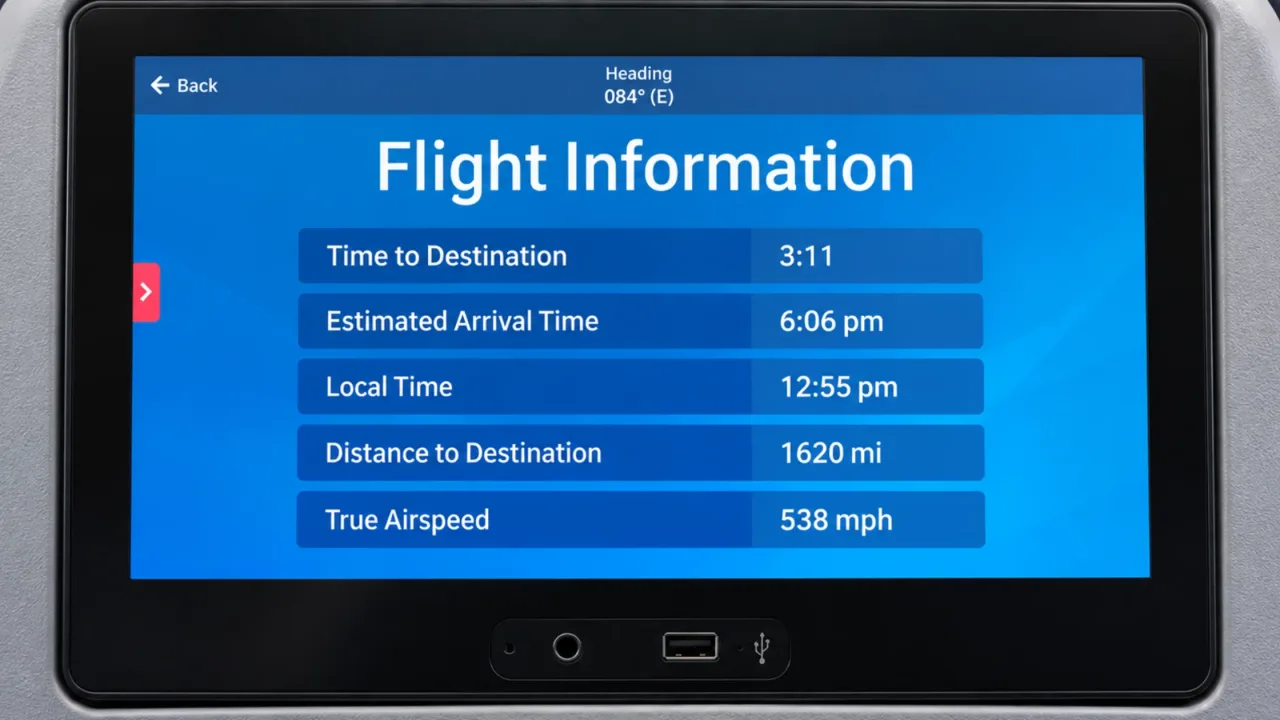
There are different perks in checking through third-party tracking apps like
You can do everything at once. Check the flight status for yourself, for a family member, or to check a connecting flight. You will get all the information all at once.
Many tracking apps let you add widgets on your phone screen so that you can check the latest update instantly.
Tracking apps also provide visuals of the flight’s location, departure, and arrival images.
Understanding different flight status
When traveling from point A to point B, there are certain times, like when a passenger is tracking the flight in a hurry or any last-minute check or stressful situations, when they get confused with the flight status terms. Let's see what they mean.
Delayed: The flight will not be arriving on time to its designated airport. It will be a bit late.
On time: The flight will be arriving at its designated time without causing any delay.
Scheduled: The flight timings have been decided and have been mentioned on the timetable.
Landed/Arrived: The flight has reached its respective destination, waiting for the passengers to deboard the plane.
Canceled: The flight will not be taking off, it has been called off due to some reasons.
Helpful tips to track your flight status smoothly
Apart from mentioning the ways, I have some helpful tips for you to deal with flight trackers and what should be prepared beforehand.
Always use the official website or the app to track your flight status. They are the most reliable source of information.
Save all the necessary details, especially the flight number and date, as they will be needed to track your flight.
You should check the flight status more than once, simply checking it one time won't do you good.
Enable the app alerts on your phone so that you can receive the latest notifications regarding the flight status. You can check the boarding pass and keep it safe in your phone.
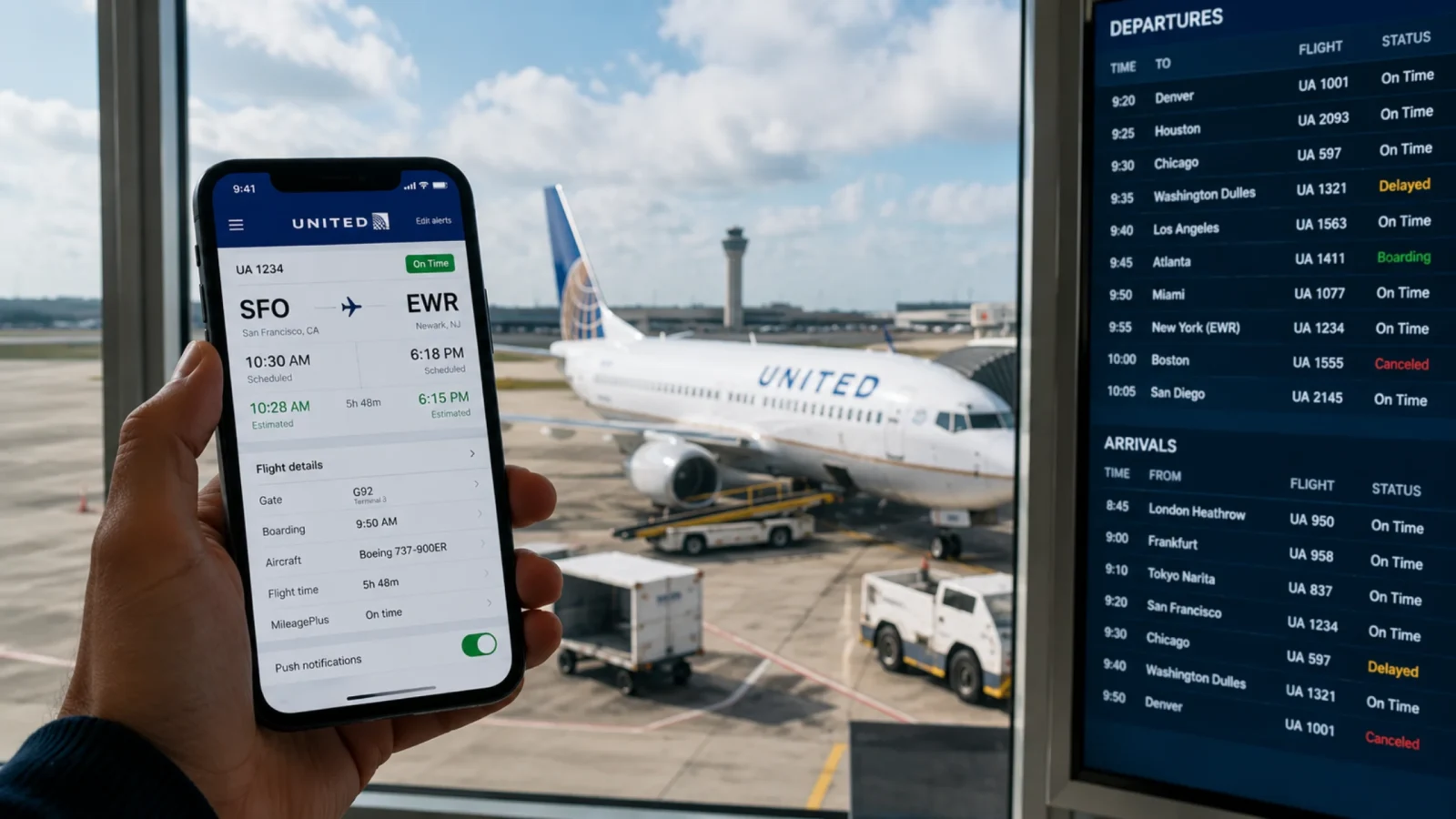
The last step to check the flight status should be airport screens. Last-minute changes are bound to happen, so make sure to check the gate number and timings on the screen.
If any of the ways does not work, contact the airline’s customer care number, which will assist you with your problem. However, make sure to trust the right contact numbers, as people put the fake ones on the website.
Conclusion
Checking the flight status can save you from hours of stress and anxiety. And checking through the official website or app can give you the best information. In this guide above, I have mentioned all the necessary ways through which one can track their flight status. In situations where the official websites do not work at the airport due to internet issues, you can also use third-party apps. Read the tips carefully and check the status before and after leaving for the airport. Track the status on time and save yourself from the stress. Safe travel!
Frequently Asked Questions
There are 2 ways to check Allegiant flight status. The website and the app are the most reliable ways to check the flight status.
Simply open the official Allegiant website. Select any of the options to track through the departure airport or flight number. After entering the relevant details, the passenger will instantly receive the flight status on their screen. Follow the same method to use the official app.
According to the U.S. Department of Transportation figures, Allegiant flights cancel 0.4% to 0.99%. This airline has maintained its lowest cancellation rate out of all the airlines in the U.S.
To understand the current status of the Allegiant flight, you can track it using different methods. Check through the website Check through the app Check through third-party app