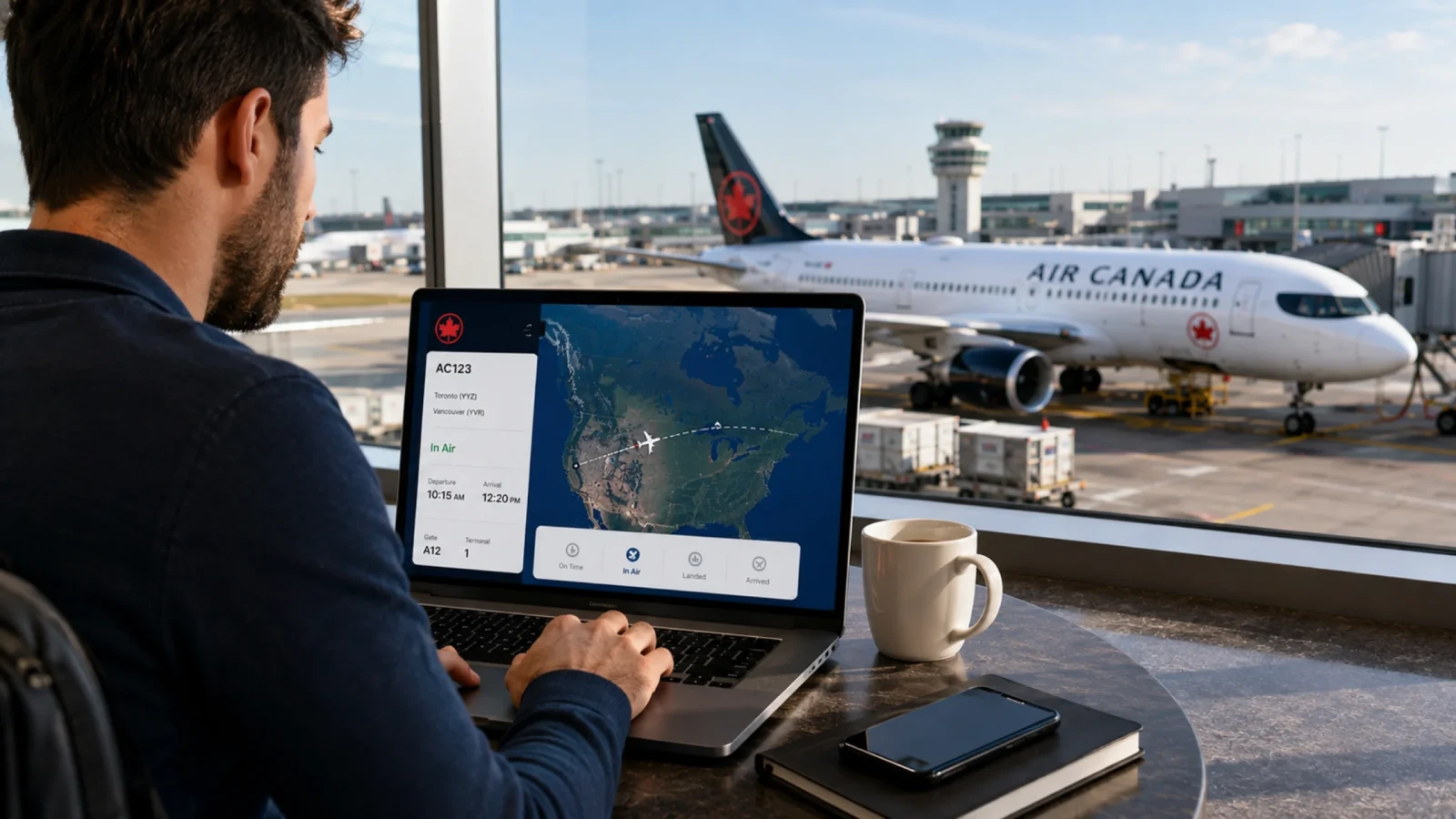
Do you know that Air Canada might change the departure time, gate, or terminal? It’s rare but happens sometimes! Factors like weather, air traffic control, or operational reasons force the airline to alter the time of departure, often causing the flight delay. These last-minute changes create chaos among passengers. But fret not! Get Air Canada flight status and stay updated with real-time flight information, including gate, terminal, departure time, delay, or cancellation. Getting this information ahead of your flight helps you plan your travel better.
What Information Does Air Canada Flight Status Show?
Air Canada check flight status tool is not just a flight tracker to watch the live movement of a flight. Rather, it's your free travel planner. It shares the most important information that will help you plan your perfect journey. Here is the information that Air Canada flight status shows:
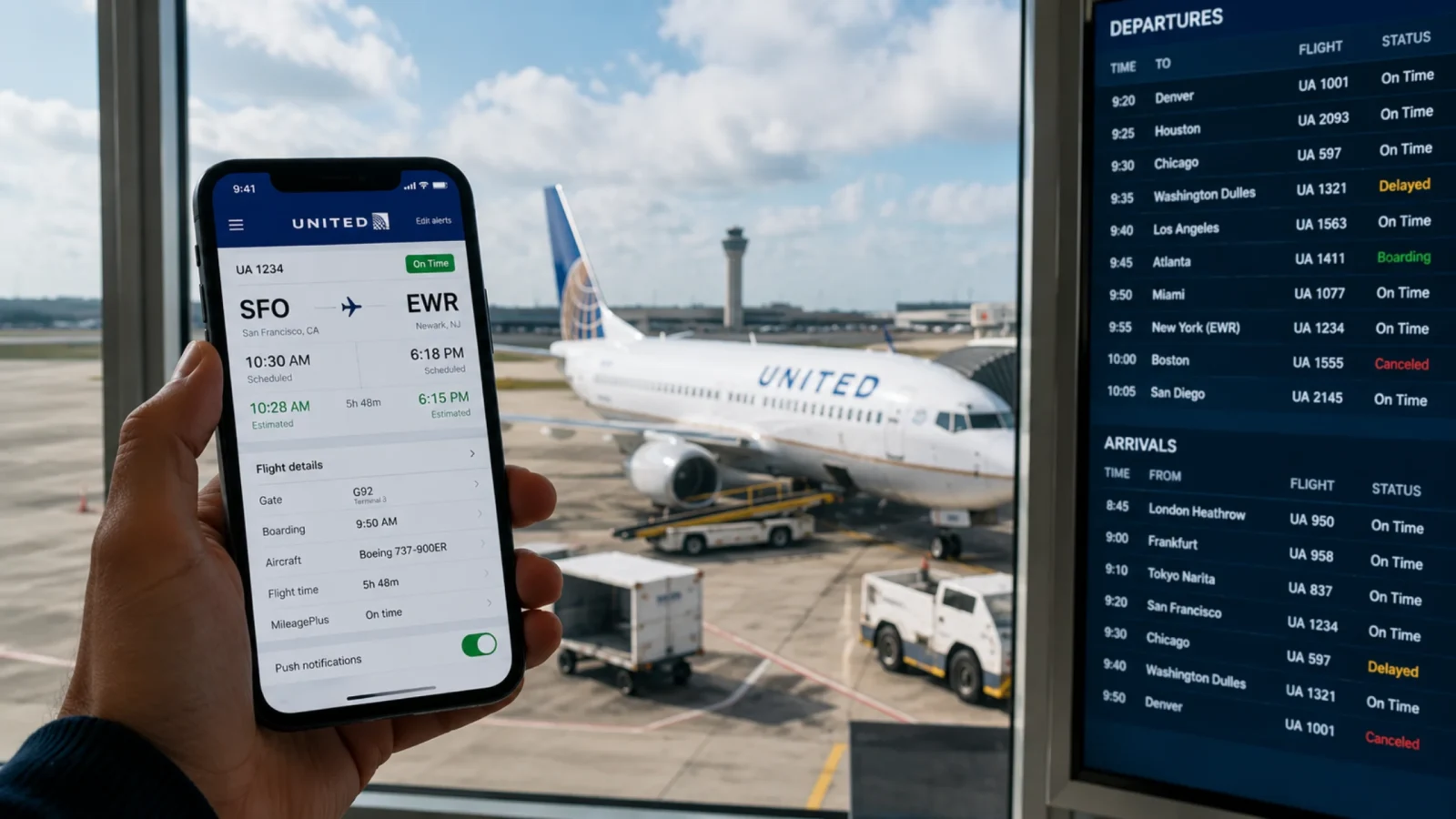
Departure terminal & gate: Know which terminal or gate to move to catch your flight. Sometimes an airport may change the gate or terminal due to a delay of an incoming flight or other operational reason; the flight status tool immediately updates the information and shows you the new terminal or gate.
Flight delay information: If your flight is delayed for any reason, the flight status tool will inform you before you reach the airport, saving you from long waiting hours at the airport.
Aircraft: Find out the type of aircraft used by the airline on a specific route and trip.
Cancellation status: If the airline cancels the flight for any reason, you will be notified by the flight status tool before the airline sends you the cancellation email.
Scheduled vs. Estimated Times: The flight status of Air Canada helps you know the original departure/arrival times alongside live, estimated, or actual times.
Baggage information: Get to know which carousel is assigned to Air Canada at the airport.
Live location: Some third-party websites provide the Air Canada flight tracker live map, which shows the live movement of the flight. So, you exactly know whether your flight is in the air, grounded, or taxiing on the runway.
What Are the Terms Used by Air Canada Flight Status?
Air Canada's flight status display uses standardized flight terms and expressions to share the actual status of a flight. These technical indicators enable travelers to monitor departure slots, aircraft movements, delays, and arrival conditions across the whole lifecycle of a flight. Here are the terms used by the Air Canada flight status:

On time: There are no signs of flight delay as of now, and the flight will depart or arrive as per the timetable.
Schedule: The flight is scheduled as per the timetable, but the operation has been put on hold for now.
In Air: The flight is currently in the air and moving towards its destination.
Expected: The flight status is showing an expected time of arrival to the destination while the flight is still in the air.
Delayed: The flight is running late and may not reach its destination on time.
Diverted: The flight has changed its direction from the original route.
Canceled: The airline has canceled the flight, and the passenger cannot fly on the same ticket.
Landed: The flight has touched the runway but is still moving.
Arrived: It means that the flight has reached the gate and completed the journey. Passengers can now deboard.
Departed: The flight has taken off from the airport.
What Are the Different Ways to Check the Flight Status?
Checking the Air Canada flight status today helps the passengers to stay ahead of potential delays, gate changes, or schedule changes. There are multiple ways through which a passenger can check the flight status of Air Canada. Here are the methods available through which one can check the status of their flight.
Method 1: Check the Flight Status via Flight Number
The passenger can easily find the flight number on the boarding pass or the confirmation email. Use the flight number to get the latest information on your booked flight. Here are the steps to check the flight status using the flight number:
Go to the official website of Air Canada.
Find the “Flight Status” option on the sidebar menu on the homepage.
Select the “Flight Number.”
Enter the flight number and open the calendar to select the date of departure.
Tap on the “Search” button.
The flight status of your flight will appear on the screen.
Method 2: Check the Flight Status via Route
When you do not have a flight number or are looking for flight options on a certain route before booking, you can search for the flight status using the route. To search for the flight option via route, follow the simple steps below:
Go to the official website of Air Canada.
Navigate the “Flight Status” on the homepage.
Select the “Route.”
Enter the city of departure and city of arrival in the suggested field.
Open the calendar to select the date of departure.
Tap on the search button.
Get the flight status of all the flights operating on the selected route.
What Are the Best Third-Party Websites to Check the Flight Status?
Tracking the real-time status of a flight, which includes delays, gate changes, and cancellations, doesn't necessarily have to be done through the airline's website. There are a number of independent flight-tracking platforms that collate information from airlines and air traffic control, sometimes with better detail (such as live radar maps, type of aircraft and historical punctuality data) than what an airline app may offer.
FlightAware is one of the most reliable Air Canada flight trackers and provides real-time radar maps to indicate where an airplane is traveling, how high it is, and its speed. It spans both commercial and private flights and includes delayed data from past flights for routes.
Flightradar24 is famous for its global live map interface of thousands of flights. Search by route or flight number, view aircraft specifications, and even 3D flight paths. For the aviation buffs, it is particularly popular.
FlightStats (Cirium) is dedicated to accurate predictions of arrivals and departures and airport-wide delay data. It's helpful for assessing connection hazards, taking weather and airport congestion factors into account.
All three have free web access and mobile applications and are good substitutes for calling the airline.
Why Keeping Track of Air Canada Flights Is Essential
A flight trip might look simple when booking, departing, and arriving, but in reality there is a lot that happens in between. Also, there are many times when an airline might update or change the schedule for some internal or external reason. These sudden changes in the schedule might cause chaos in the passenger. To avoid these things from happening and have a hassle-free journey, it’s important to track Air Canada flights. Here is why tracking is essential:

Avoid missed connections: When catching a connecting flight on a short layover, knowing the departure terminal and gate becomes highly important to catch the flight on time. Enter the details and get the flight status before landing and know where to move and save your time at the airport.
Avoid waiting hours: Canadian and US winters often cause flight delays, resulting in long waiting hours at the airport for boarding. Real-time tracking enables you to make changes to travel schedules, schedule alternate travel, or adjust your travel plans to avoid waiting hours at the airport.
Gate and schedule changes: Airlines often move the gates or change the schedule time just before the departure. Use the flight status to monitor the last minute and avoid rushing at the airport or missing the boarding calls.
Picking up a passenger: If you have to meet someone at the airport to pick them up, tracking the exact arrival time helps you to avoid unnecessary waiting in the parking area.
Rebooking: With flight status updates, the passenger can find out about the flight delays or cancellations before reaching the airport. This gives them ample time to contact the airline and explore the rebooking option.
How to Stay Updated on Your Flight Status
Stay updated on your flight status and manage your travel to avoid hassle during the journey. Here is how to stay updated:
Check before heading to the airport: Check the flight status before departure and confirm the gate, terminal, and departure time. If there is a delay, you can adjust your travel plans and avoid waiting hours at the airport.
Manage flight cancellations: Get prior notification of flight cancellations and have ample time to explore the rebooking options. So, the flight disruptions do not affect your plans.
Turn on notifications: Push the notification bar at least 24 hours before departure for regular updates of your travel such as gate number, terminal, flight timing, and more.
Check again on day of departure: Flight times are subject to change after confirmation; recheck the flight status a few hours before the trip.
Check the airport website: The airport's website will offer more information on terminal, gate and operational modifications.
Keep your flight number handy: It will be easier to retrieve the most current departure, arrival, gate and delay information by searching using the exact flight number.
Track connecting flights: If you have a connecting flight, keep track of both flights to get regular updates. The delay of the first flight might disrupt your connecting flight. Therefore, gather necessary information on your connecting flight, such as gate and terminal, to move quickly to the boarding gate once landed.

Conclusion
Stay updated on flight delays, cancellations, gate changes, or terminal updates with Air Canada flight status. Checking the flight before leaving for the airport and throughout the journey helps you avoid unnecessary waiting times or hassle during a short layover for a connecting flight. You can either use the official website of Air Canada or a third-party website for more accurate and reliable information. Get real-time updates and manage flight disruptions, schedule changes, and connecting flights. Bring monitoring the flight status before a flight into your habit and travel with confidence.
Frequently Asked Questions
To check the Air Canada flight status, go to the official page of the Air Canada flight status page. Enter the flight number or route along with the date of travel, and tap on continue to get the live status of your flight.
Yes, you can easily check the flight status online using the official website of Air Canada or third-party websites like FlightStats, FlightAware, or FlightRadar24.
Check the flight status using the specific flight number provided in the confirmation email to determine the current status of your flight. If your flight is canceled, the airline will show the status "Canceled."