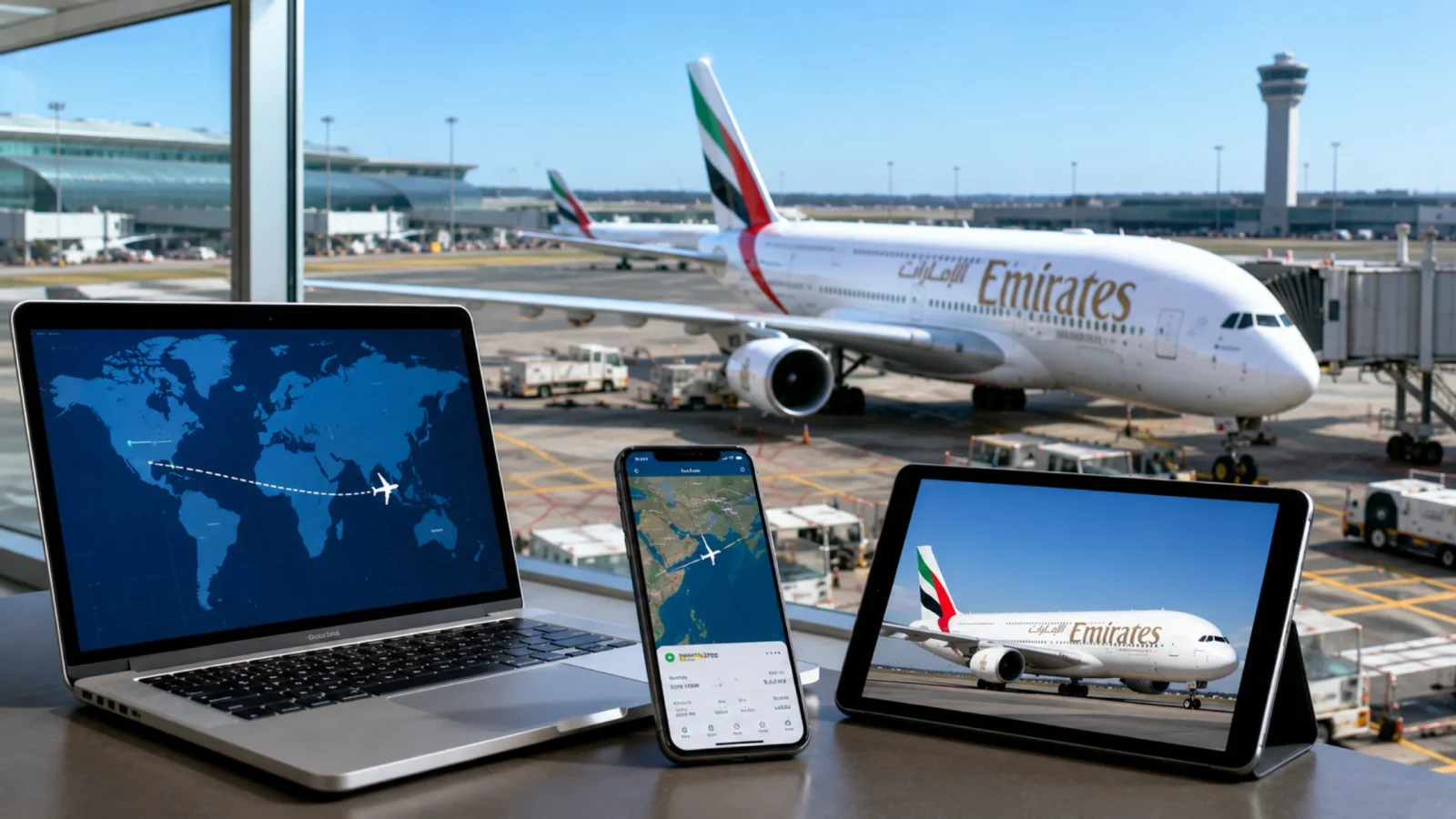
How do I track my Emirates flight status? This is the most common question travelers ask before leaving for the airport to catch their flight. As Emirates Airlines is known to be the biggest and busiest airline, which operates all across the world, flight timings can change and delays can happen, and there can be last-minute cancellations. In this guide, I have mentioned a few ways with a step-by-step process through which the travelers can track their flights and always stay ahead of time.
How to check Emirates flight status live and what is required?
Starting with the famous routes covered by the Emirates airlines, and then moving on, we will learn how to track the flight status and what all things are required:
Famous routes covered by Emirates Airlines
Below are the famous routes covered by Emirates Airlines:
| Feature | Detail |
|---|---|
| Boston (BOS) | Connects Boston to Dubai directly. |
| Chicago (ORD) | Links the Midwest hub of Chicago to Dubai. |
| Dallas/Fort Worth (DFW) | Operates long-haul services connecting Texas to Dubai. |
| Houston (IAH) | Bridges Houston’s major gateway with Dubai. |
| Los Angeles (LAX) | Connects the West Coast entertainment directly to Dubai. |
| Miami (MIA) | Serves Miami with direct flights to Dubai and onward international routes. |
| New York (JFK) | Operates high-frequency flagship routes connecting New York to Dubai. |
| Newark (EWR) | Links the New York metropolitan area via Newark to Dubai. |
| Orlando (MCO) | Connects Orlando's major tourism center directly to Dubai. |
| San Francisco (SFO) | Bridges the Bay Area with long haul to Dubai. |
| Seattle (SEA) | Connects the Pacific Northwest gateway directly to Dubai. |
| Washington, D.C. (IAD) | Links the U.S. capital region to Dubai. |
| Montreal (YUL) | Connects the Canadian passengers from Montreal directly to Dubai. |
| Toronto (YYZ) | Serves Toronto as the primary getaway to Dubai. |
| Mexico City (MEX) | Connects Mexico City to Dubai via high-altitude international operations. |
| Bogota (BOG) | Links Colombia’s capital directly to an international hub. |
| São Paulo (GRU) | Connects Brazil’s largest finance hub to Dubai. |
| Rio De Janeiro (GIG) | Operates direct flights connecting Rio de Janeiro to Dubai. |
| Buenos Aires (EZE) | Links Argentina’s capital to Dubai’s global network. |
Different Reliable Ways to Check Your Flight Right Now
Checking the flight status using these four ways will make the passenger’s life easy. The tracking tools will help them to always stay on time and travel stress-free.
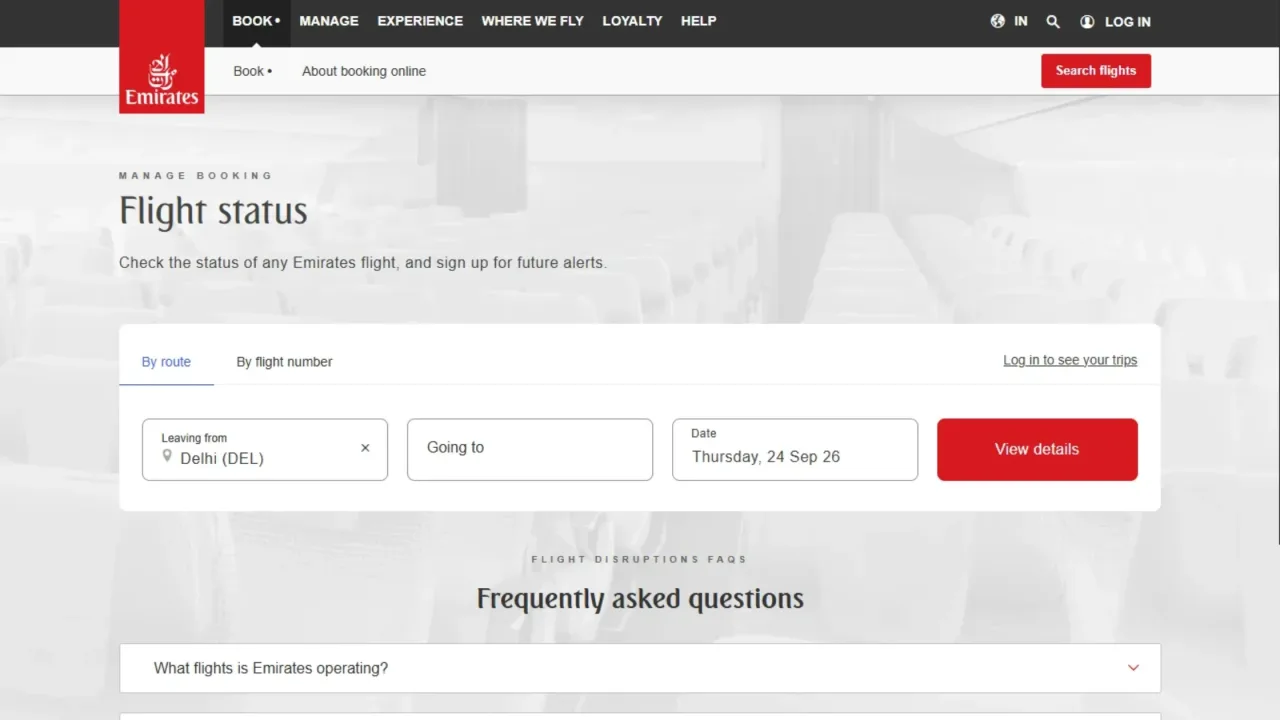
Searching by Flight Number
When confirming the flight tickets, you will receive the flight number with the tickets.
Go to the official Emirates website, go to Manage My Booking, and you will find the first option to search through the flight number.
Enter the details, and you can check the flight status on your screen instantly.
You can follow the same procedure to check the flight status on the app. Download the official app of Emirates on your phone. It is available in both iOS and Android versions.
Searching by Route
There are times when we do not have the flight number or struggle finding it, in such cases, you need to search by routes.
Go to manage my booking either on the app or the official Emirates website.
Select the option to search by route, and enter the arrival and departing destinations with the date that the passenger is travelling on, and the results will be in front of you.
Checking through airport screens
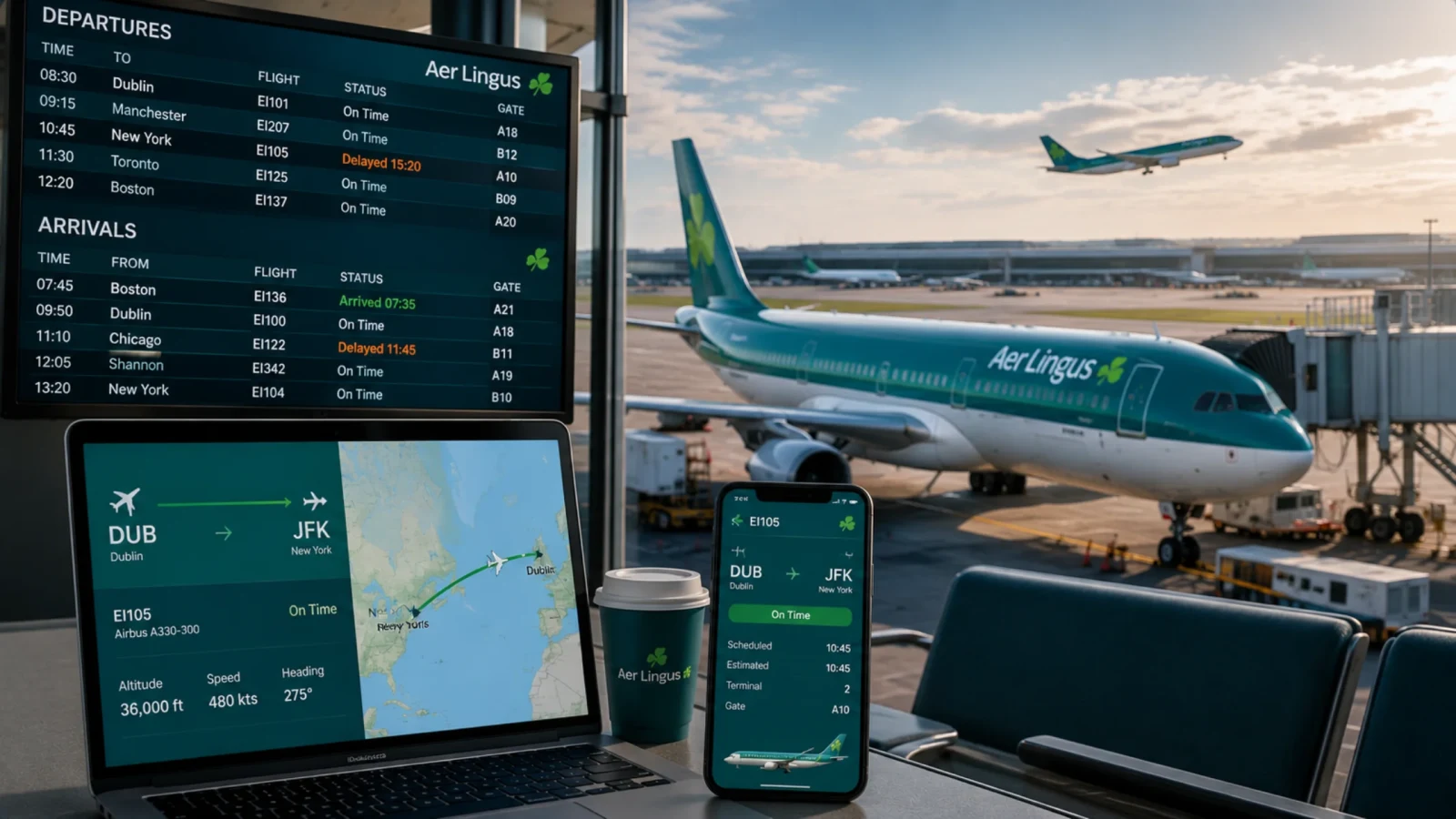
Even after you have checked the flight location, using the app or the official website, always make sure to check the airport screens, which show the flight number, time, status, and terminal gate.
Since the information directly comes from the airline's operations, it always gives real-time and reliable updates about the flight.
Third-party flight trackers
There can be situations when the official flight tracking website or app does not work. In such situations, the travelers should always use third-party tracking apps that give updates about the location, altitude, visuals, and weather information and the timings of arrival and departure.
They always give real-time and instant updates, whether on the website or the app. The passengers are notified about the early delays or cancellations beforehand.
Calling or texting custom support directly
When you are struggling to use the website or the app and do not know which is the right way to check the flight status. Make sure to directly contact the airline customer service.
Emirates customer service will help you with your issue and will also give future suggestions in dealing with difficult situations.
Installing the Emirates app sends instant notifications and warns the passengers about the flight delay before hand.
What should be confirmed before your flight? (24 hours)
A day or so before, take a few minutes and go through your basic pre-flight checks.
Double-check your booking reference to make sure your departure time, flight number, and route are the same as your original itinerary.
Next, check on Emirates flight tracking for the inbound plane online to see if it’s on time, which will help you spot early signs of rotation delays. Lastly, make sure to check your luggage and seat to ensure that your baggage allowance details are correct and your selected seat is fully confirmed.
How do I check live Emirates flight status before leaving home?

When it’s time to go, monitor the real-time factors, beginning with a live Emirates flight status report right before you leave home to catch any early-morning delays or schedule changes.
Modify your travel time to allow for the current traffic and airport parking situation to fit with your revised flight schedule.
Finally, make sure your alerts are set up.
Turn on push alerts in the airline’s app so you get automated alerts in case of unexpected gate changes or changes to boarding times.
Why should you always cross-reference mobile apps with airport terminal monitors?
Once you get through security, it’s important to know where to get your information. The physical terminal monitors and announcements made at the airport are always the final, legally binding authority for your gate assignment.
Use your mobile phone app for quick notifications and convenient mobile boarding passes, but always cross-reference with live terminal screens to check the Emirates Airlines flight status.
Pay close attention to gate changes in the terminal, as the gate numbers can change even after you’ve checked in at a busy hub.
Tips to have a smooth journey
Follow the inbound aircraft, not just your flight number, your plane is often somebody else’s earlier flight arriving late. If that inbound flight is delayed, yours is delayed too, before it even shows up on your Emirates flight status.
Instead of obsessively refreshing, check twice a day, the status boards aren’t updated in real time every minute, so you’re just seeing the same information over and over.
Have a backup way to check Emirates flight status, save the airline’s SMS/call option or a second tracking site in case the app crashes or there’s no Wi-Fi at the gate.
Send your pickup contact your live flight link so they don’t have to guess what time you’re arriving based on the original schedule.
Set a second alert for your return journey, most people only track the outbound flight and forget about the return until the day of.
Once confirmed, take a screenshot of your gate and terminal info, which is useful if you lose signal walking through the airport.
Take note of your minimum connection time (not just your layover time) for your "2-hour layover," as this can be tight if you need to change terminals.
Turn off unnecessary notifications, gate/terminal and delay alerts are useful, promotional or generic "flight reminder" notifications are just noise you’ll start ignoring.
Check your Emirates flight status the night before, even if it looks okay. Changes made a day out are common and easy to overlook if you only check in the morning.
Add the flight to your phone’s calendar and sync live status (where available), keep Emirates airline flight status in view without having to open an app.

Conclusion
Lately, there have been a lot of disruptions and cancellations in air travel, and the passengers are suffering a lot. To deal with such cancelations and delays, this flight tracking guide has been created, which will help the passengers to deal efficiently in such difficult situations. Use different ways to track the flight, whether it is from the website or the app or directly call the customer care service to ask about the flight location. Follow the helpful tips below to save yourself from missing your flight.
Frequently Asked Questions
You can check the status of your Emirates flight online by using the official Emirates Flight Status Tool. You can enter your flight number or route, log in to your account, or use their mobile app.
Emirates does not have a set notice period for cancelling flights, as cancellations may happen right up until the time of departure due to operational disruptions.
If you have received an email or SMS notification or checked the live status online, you will know if your Emirates flight is cancelled. Operational alerts will be sent directly to the contact details you provided when you made the booking.