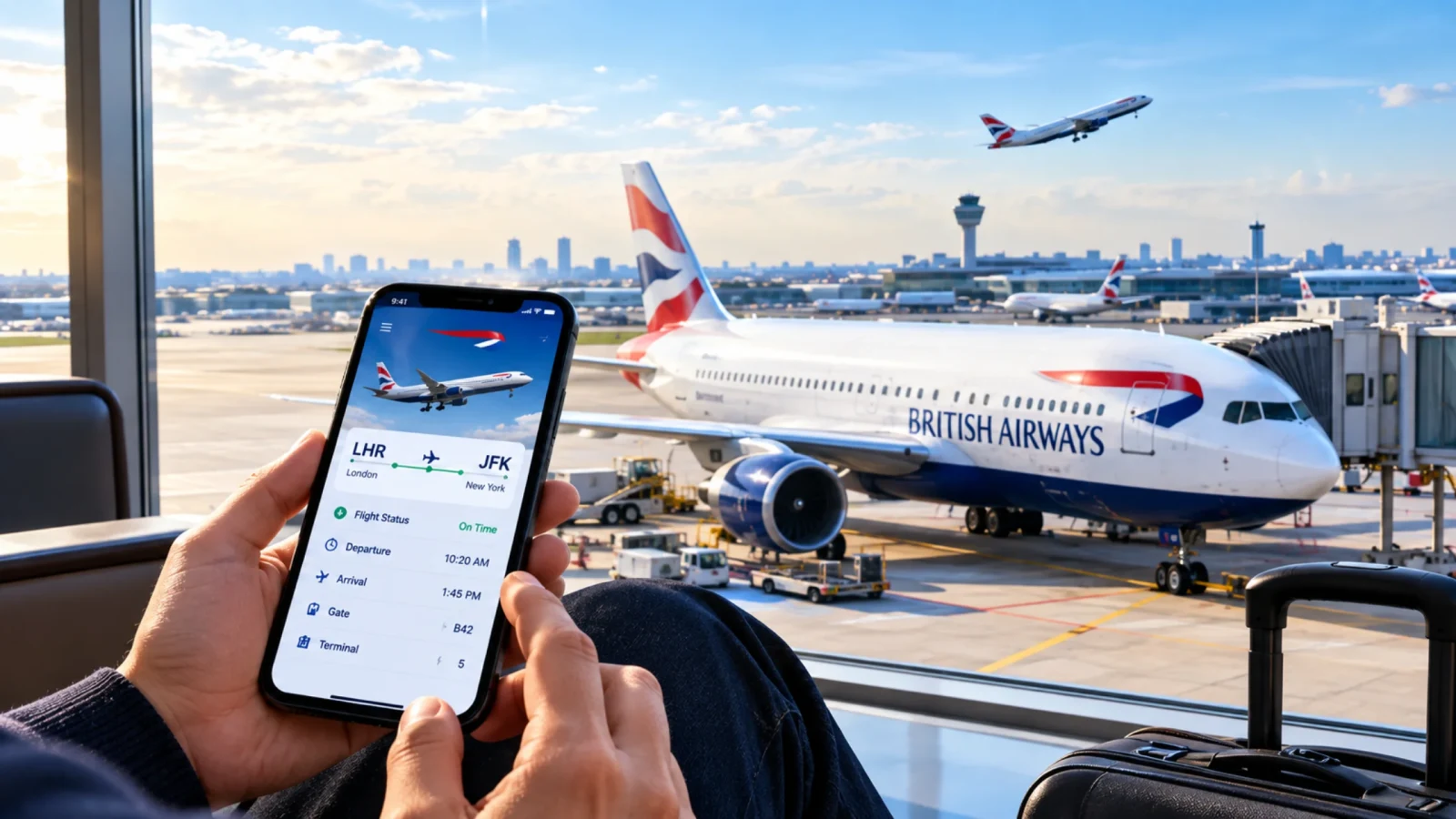
There are situations when, due to severe weather issues, the flight gets delayed or cancelled. And you end up waiting at the airport, with your bags packed, stay booked, and itinerary planned. Even the prestigious airlines like British Airways, which is known to be the UK’s most trusted airline, can get cancelled or delayed. In such cases, keeping track of the airline’s flight status is very essential.
Whether you have a flight to catch or you are heading to the airport to pick someone up, quickly giving a glance at your British Airways flight status, terminal number, and any potential delays will help you to stay informed about the journey. In this guide, we will mention some of the easiest ways through which you can check your British Airways flight status and have an amazing journey.
What status labels should you look at while searching for your flight?
How do you get to know about the status of your flight? Where do you check it, and what do the terms mean? All these questions arise in our minds while we are standing at the airport and struggling to find our flight name.
| Feature | Detail |
|---|---|
| Status | Description |
| Scheduled | The flight has been allocated a time of arrival and departure. |
| On Time | The flight is as per the scheduled time. |
| Delayed | The flight timings have been moved further due to some issues, be it weather or technical operation. |
| Departed | The plane has left the gate and is ready to take off. |
| In Air | The flight is in the air, reaching its destination. |
| Expected | The aircraft is approaching the destination, with an estimated arrival time provided. |
| Landed | The flight has reached its respective destination, but the passengers have not stepped out of the plane. |
| Arrived | The flight has been positioned at the gate, the passengers have left the plane, and the journey is complete. |
| Cancelled | The flight will not be operating due to some reasons. |
| Diverted | Due to some reasons, the flight had to land at a different location than planned. |
How to track a British Airways flight in real time?
There are two ways to check the British Airlines flight status, one is by going to their official website, and the second one is to install their app on your phone and then check it. Both of the ways will give you real-time information about any last-minute options, you just need to sign in to the apps or websites and follow the instructions given below.
Track through the website
To start with the tracking process, the passengers would have to keep all the necessary information ready. The website will give you the latest information, and you will be able to manage your booking as well. You can also make any last-minute changes in your flight if you want to.
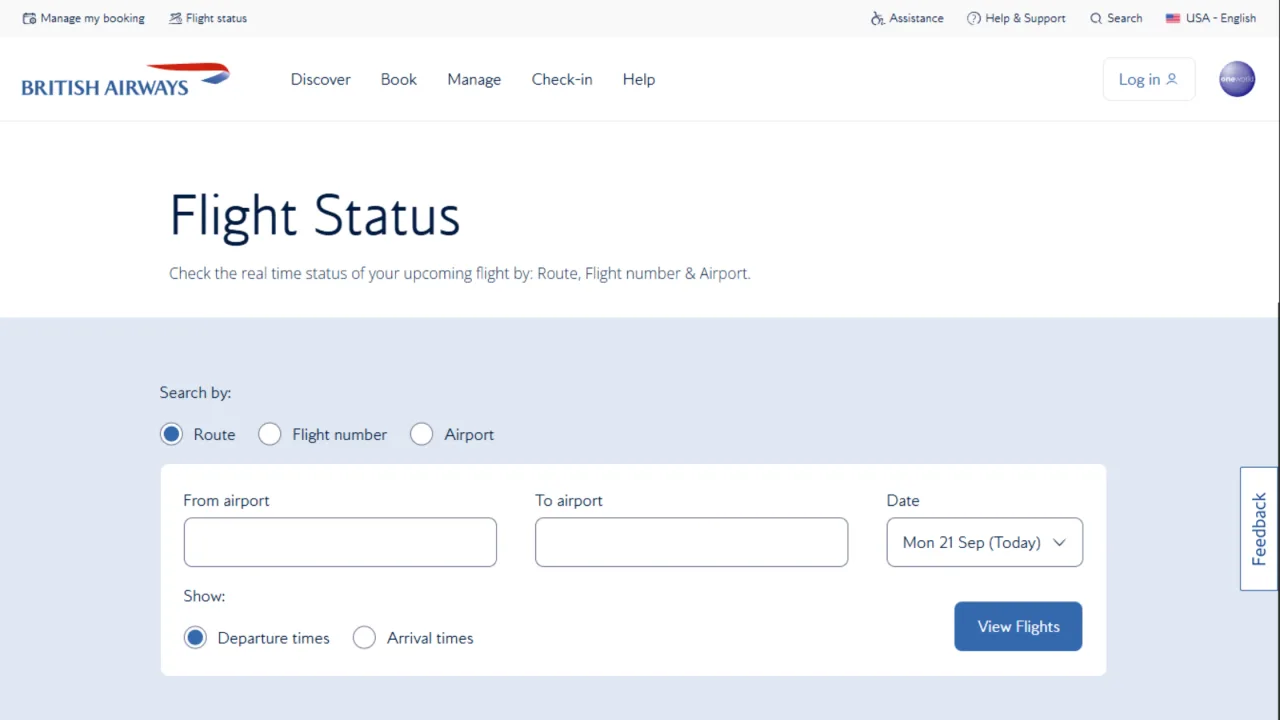
Search using the route option
Log in to the website and choose any of the three options given on the website.
On the top left of the panel, go to the Manage my booking option and select the flight status option.
There will be three options: Track by route, by flight number, and by airport.
For route information, the passenger needs to add the departing airport name, arrival name, and the date.
This is the easiest method to track your flight from. In case you forget your booking reference number, you can always search using the route information, and the real-time updates will be in front of you.
Search using flight number
You can find the flight number on the booking confirmation email or SMS you have received.
In the column, fill in the flight number, which looks like BA175, and mention the date of flying. With that, you can also select the options for what information you need, departure or arrival.
After completing the whole process, the tracking information will be in front of you.
Search using airport
After reaching the airport, make sure to check the flight status from the airport screen. It gives authentic and real-time information, mentioning the flight status and terminal gate with timings. Follow the steps below to get the information.
The last option, which is easier than searching through using flight routes, is by entering the airport name.
Enter the respective airport name in the column given below and the start time and end time of the flight, with the date, and you will see the tracking information on your screen.
These are the three methods that will help the passenger in getting real-time information on the British Airways flight.
Track through the app
Tracking through an app is much easier than tracking through a website. You will be able to get the latest and instant notifications on your phone screen.
Simply install the official app on your phone.
Follow the same procedure as the website, log in to the app using your respective contact number or email address.
Go to manage my booking and select the flight status and track your flight’s location using the three options, route, flight number, and airport.
The app is available on both iOS and Android versions.
How to track flight status using third-party apps?
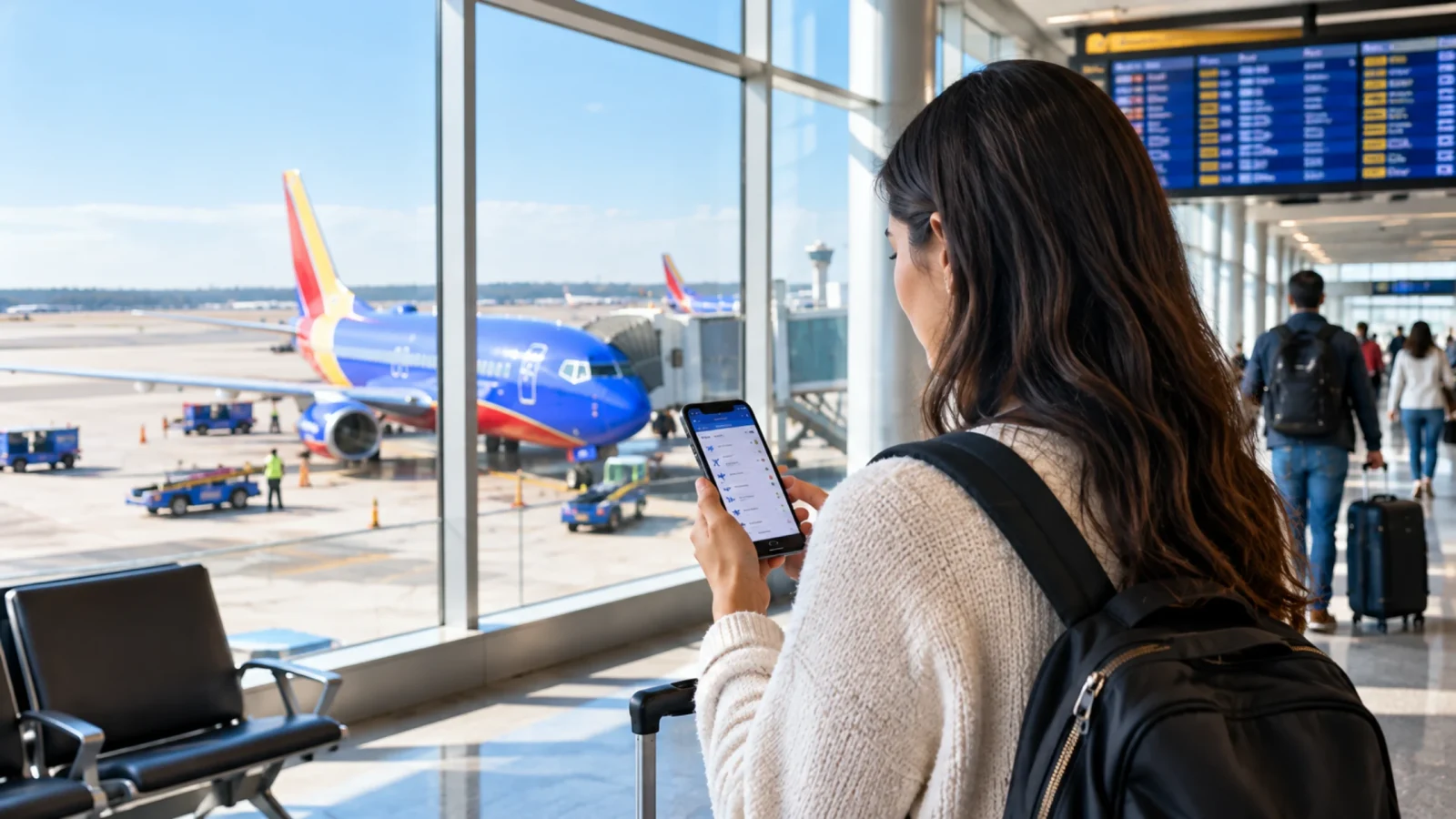
There are third-party tracking apps like Flightradar24 and FlightAware that work as saviors during the times of distress. They not just provide the flight status but also display the visuals of the flight moving from the departure location towards its arrival location. You can check the altitude of the flight as well.
To check the status on Fligtradar24 and FlighAware, you need to follow some steps:
Search for the third-party tracking website or install the app.
Enter the British Airways flight number, for example, BA117, into the given box.
Select your respective flight from the dropdown list.
The live map will show you all the information, like the current location, height of the plane, speed, and route.
With all this information, FligtAare also provides weather conditions.
What are the famous routes of British Airways?
As mentioned before, British Airways is known to be one of the busiest airlines, which is operated on a large scale. Its primary hub is London Heathrow and London Gatwick. So let's look at some of the famous and busiest routes of British Airways.

London Heathrow (LHR) to New York (JFK)
London Heathrow (LHR) to Los Angeles (LAX)
London Heathrow (LHR) to Chicago (ORD) & Boston (BOS)
London Heathrow (LHR) to Toronto (YYZ) & Vancouver (YVR)
London Heathrow (LHR) to Dubai (DXB)
London Heathrow (LHR) to Singapore (SIN)
London Heathrow (LHR) to Hong Kong (HKG)
London Heathrow (LHR) to Mumbai (BOM) to Delhi (DEL)
London Heathrow (LHR) to Johannesburg (JNB)
Conclusion
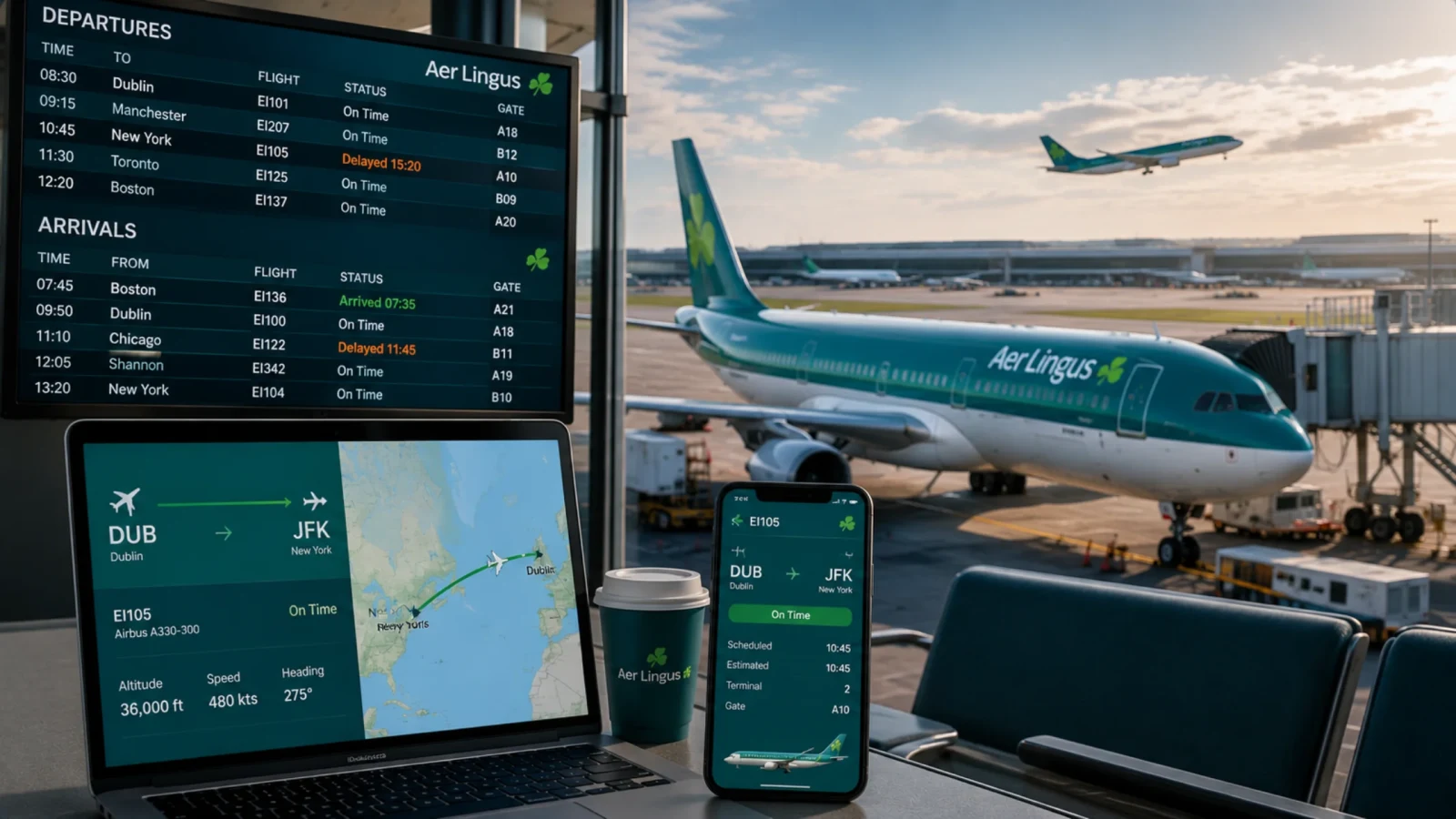
There can be times when British Airways can cancel your flight due to extreme weather conditions or technical issues. So before getting frustrated on the airlines, make sure that you check the flight status before leaving for the airport and prepare yourself accordingly. In this guide above, the whole British Airways flight status has been explained with different ways to track the airline. You can either check the status through the app or website, however, make sure to keep the information ready. In case the website or the app does not work, you can always check using the third-party flight tracking apps, which will also provide visuals with the altitude and location of the flight. Also, check out the famous and busiest routes of British Airways and plan your trip accordingly. Make sure to check the flight status leaving for the flight.
Frequently Asked Questions
To track a British Airways flight, you can check it on the British Airways official website or install the app, go to Manage My Booking, then Flight Status, and follow some simple steps and check the flight status. You can also track it using third-party tracking apps like FlightAware and Flightradar 24.
When your flight is canceled, you will receive an email or a text message confirming your cancelation. You can also check the status online on the official website or on the British Airways app. If you installed the app on your phone, you will receive instant notifications about your flight delay.
If your British Airways flight gets canceled, you will automatically be assigned a new flight or a different airline, or you can opt for a full refund to your original payment method. You can check out the British Airways official website to check more options you are nettled to.