Have you booked a flight with Etihad Airlines? If yes, then it’s important for you to understand the Etihad flight status. This exclusive feature of the airline does not only provide the live status of the airline but also gives you the complete information related to your flight from the airport terminal and gate to changes and delays. Therefore, if you are planning a hassle-free trip with Etihad, get the flight status app on your phone. If you do not know how to use it or read it, then do not worry and just continue reading this article. We have brought every single piece of information for you so that you can use the flight status tool confidently and travel effortlessly.
What Information Does Etihad Airways Flight Status Show?
Many passengers would still question why they should use an Etihad flight tracking status tool. The tool keeps you updated with the live information of your booked flight. If you are wondering what information is available at a flight status tool, then just review the points below:
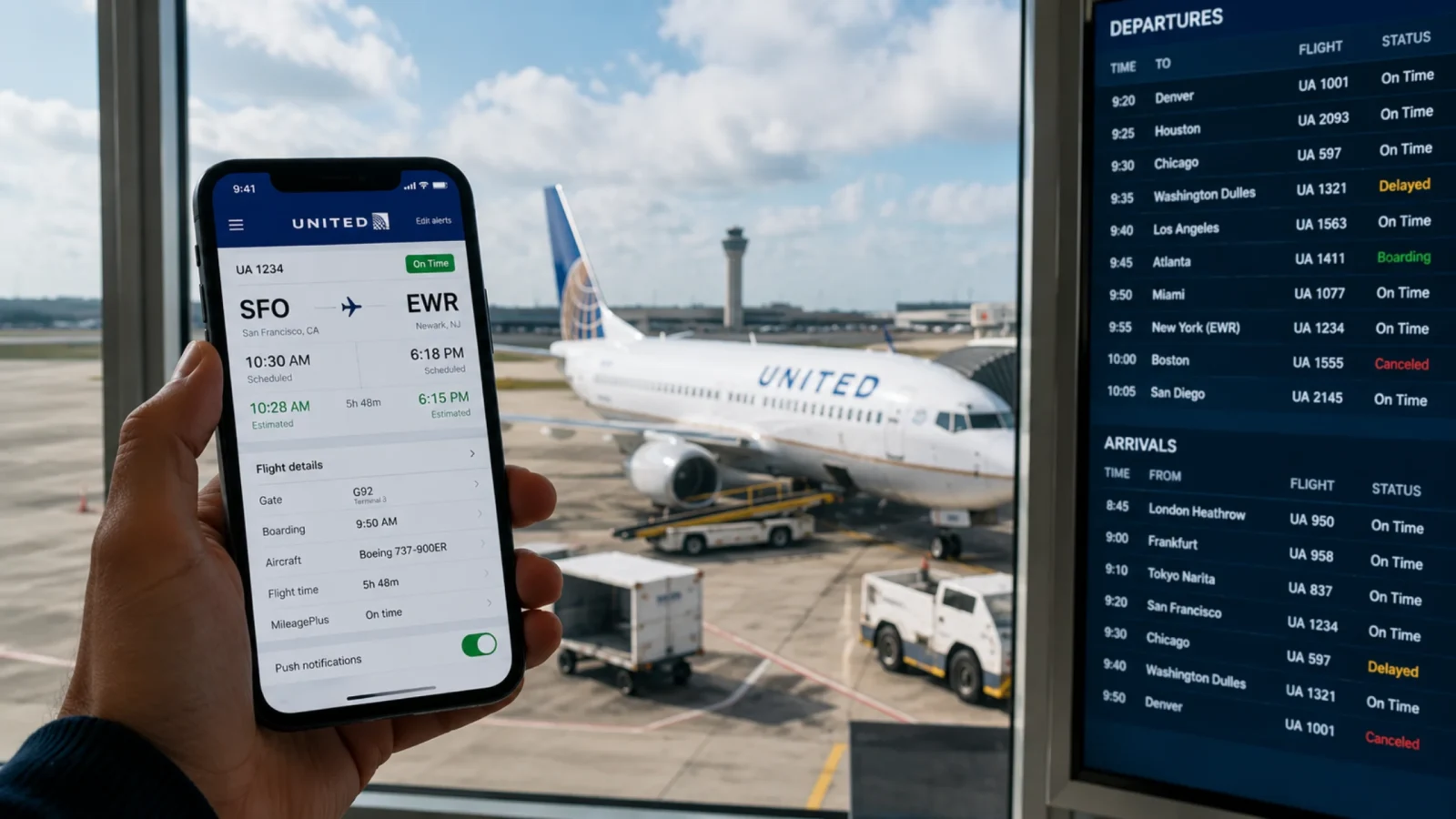
Departure: The tool will show you the scheduled and actual departure gate, terminal, or airport. If there is any change, the tool will update the information typically 90 to 120 minutes before the departure time.
Arrival: You can verify the scheduled and actual arrival time of the flight. If you are using a third-party tool, they may even show you the estimated arrival time of the flight. Additionally, you can check the arrival terminal and gate.
Delay: The flight often gets delayed due to technical error or weather conditions. These tools update the timing and send you a notification if the flight is delayed from its scheduled hour.
Baggage carousel: The tools will show you the baggage carousel number of your flight.
Aircraft: You can check the type of aircraft the airline is using for the specific journey. It is useful if you have to choose a specific type of seat for your trip.
History: You can check the previous performance of the airline through these tools. It is very useful to choose the right airline so you never get late.
How to Read Etihad Airways Flight Status Codes
The Etihad Airways flight status or any third-party tool will never provide you the information in the sentence. There are terms, and each term is used to specify a different situation. However, if you do not fly very often, you might feel difficulty in understanding these terms. Here is how to read the Etihad Airways Flight Status Codes:
On Time: It means that the flight will depart as per the schedule and there will be no delays.
Departed: It indicates that the plane has departed from the airport and the boarding is closed now.
En Route: The aircraft is airborne and moving towards its arrival destination.
Diverted: The flight has to divert from its original route due to unexpected circumstances.
Landed: The flight has landed on the runway, but it is still moving, and travelers cannot move out from the aircraft right now.
Delayed: The flight will not reach its arrival location as per the schedule.
Arrived: The aircraft has arrived at the airport, and the passenger has started to deboard from the plane.
Cancelled: This indicates that the flight has been canceled and will not continue the journey anymore. The passenger must rebook its flight under such a situation.

How to Check the Etihad Flight Status?
Whether you have a booking or not, you can still check the Etihad Airways flights status. There are two primary ways through which a passenger can check the flight status of Etihad Airways. The two different methods cover every type of traveler. If you are wondering which method is suitable for you. Then, it completely depends on the information you carry.
1. Check the Flight Status Using Route
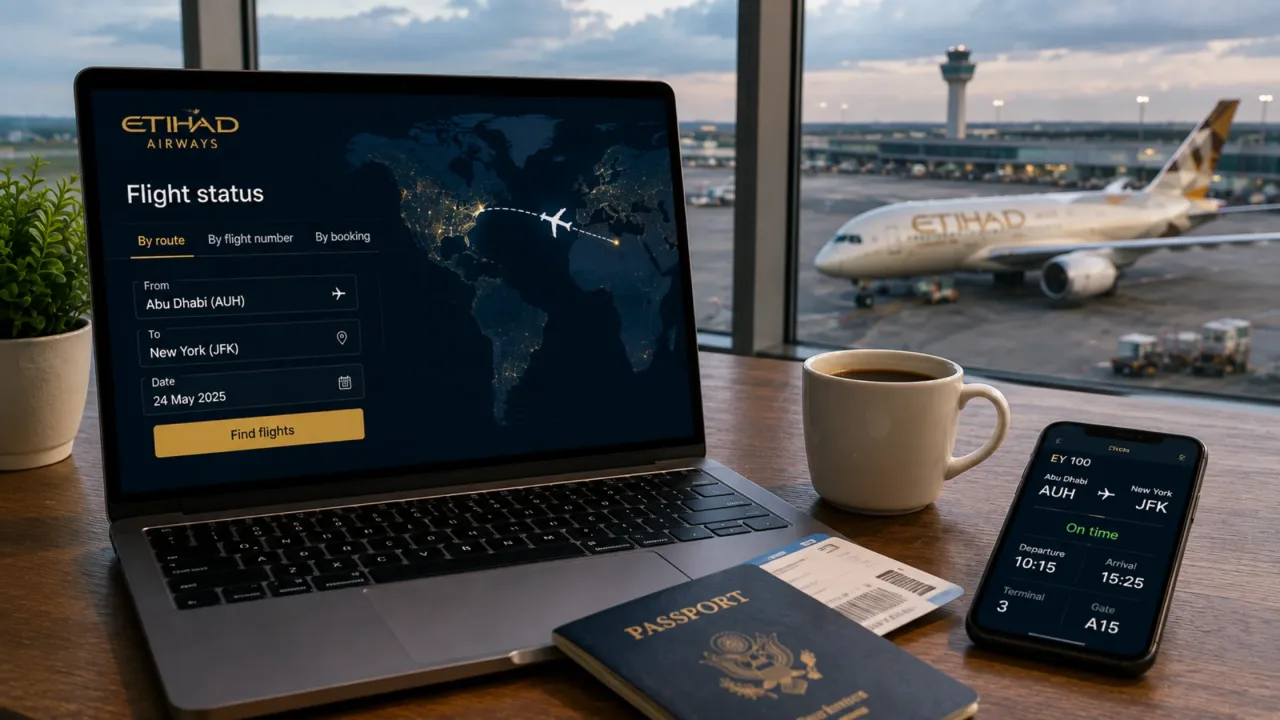
The passengers who do have a booking with Etihad and are looking to know the Etihad Airlines flight status to plan their journey, then Route is the best option. Here is the step-by-step process:
Access the Etihad Flight Status Page: Open a browser and go to the official website of Etihad Airways and locate the “Flight Status” tab on the left side of the screen.
Select the option: Click on the “Origin and destination” option.
Enter Route: Enter the destination you are flying from and then continue to type the destination you will fly to.
Select Date: Open the calendar and choose a date; this will narrow down the search results and bring up the flights operating on a certain day of the month.
Access the Flight Information: Tap the “Find” button, and the complete flight information will flash on the screen.
2. Check the Flight Status Using Flight Number
The passengers who have a booking with Etihad Airways and want the details of a specific flight will find this the most suitable option for them. It narrows down the search result to a specific aircraft. Here is the process to access the flight information using the flight number:
Search by flight number: Move to the official Etihad flight status page and select the flight number option. Now, enter the flight number without EY in the designated box.
Select Date: Open the calendar on the flight status page and choose a date.
Get Information: Now tap on the “Find” and get the complete information of your flight, including the gate number, terminal, timing, etc.
3. Check the Flight Status Using Ticket Number
This is an additional feature of Etihad Airways. In case you have a trip reference, then this option is for you. To get the flight status, here are the steps to follow:
Search by Ticket Number: As you reach the Etihad flight tracking status page, you will see the question, “Do you have a trip reference?” Simply slide the bar to yes and enter the trip reference or ticket number.
Enter last name: Provide your last name to narrow down the search results.
Get Details: Tap on the “View Trip” button, and the complete details of the trip will appear on the screen.
Can I Check the Flight at a Third-Party Website?
The third-party flight status Etihad tool is always a good option to verify the information. It has been seen that many times, airlines try to hide some information that may go against them. For instance, if the flight is running late, the airline might not update until the last minute. If you are a frequent traveler and accuracy matters for you, then you can use the following third-party tools:
FlightAware: The travelers can access the commercial flights. It means they can easily enter the details and access the Etihad flight status on their website or app. It comes with a standout feature of "Where is my plane?" which shows the live location of the aircraft. The passengers can access the flight information for free, but if you need to access their advanced feature like live tracking maps, then you might have to purchase their paid plan.
FlightRadar24: This turns your mobile device into a global radar screen. This Etihad flight status tracker have an advanced feature, a 2D or 3D interactive map, that shows you the live position of the aircraft. They collect the information from various sources like ADS-B (Automatic Dependent Surveillance-Broadcast), ACARS & satellite tracking, and air traffic control (ATC) radar to bring accurate information. Additionally, you will know the aircraft type, airspeed, exact altitude, and tail number.
Flighty: This is a premium consumer-focused iOS app for the travelers who value speed and clarity. Track flight status Etihad Airways and get the live updates of delays and cancellations before the airline even announces them. You will get an instant notification if there is any change with the flight.
What to Do When Your Etihad Flight is Delayed or Canceled?
If you find out that your flight is delayed or canceled through an Etihad flight status tool, then you must act quickly. Under these circumstances, the passengers have several rights, which can save them from the inconvenience of flight delays or cancelations. Here are the options:

Rebooking: If the flight is delayed or canceled and the airline is directly responsible for this, you might get the rebooking option. As soon as you find the flight is delayed or canceled, talk to the airline’s representative and rebook the next available flight with Etihad.
Refund: The passenger is eligible for a refund if they do not want to continue the trip after a delayed or canceled flight. For this, do not rebook your flight; otherwise, you will not remain eligible for a refund. The refund will be automatically transferred to your original source payment.
Compensation: If the flight is delayed by more than three hours, the passengers can seek compensation. Here are the details:
Flight under 1,500 km: A maximum compensation of €250 will be paid to the passengers.
Flight between 1,500 km and 3,500 km: The airline might pay a compensation of €400.
Flight above 3,500 km: A compensation of €600 will be made for long-haul flights.

Tips for Checking Flight Status Without Delays
Here are some effective tips to check the Etihad flight status for a smooth and hassle-free trip:
Turn on the flight notification: To get the Etihad flight status today on the day of the journey, always push the notification bar to receive the updated information.
Check the status before departure: The flight status can change throughout the day. Therefore, the passengers must check the flight status a few hours before departure to get updated information on the gate, terminal, and flight timing.
Enter the correct flight number: Double-check the flight number and make sure you are entering the correct details.
Monitor airport weather conditions: If the weather is bad at either the departure or arrival location, it can affect the schedule of the flight. Therefore, keep an eye on the weather of the airports involved in the trip.
Refresh regularly: To get the updated and real-time information, you must refresh the website page regularly.
Conclusion
Getting the real-time updates on the Etihad flight status ensures that the passenger has a smooth and hassle-free travel experience. To get the live updates, the passengers can easily utilize the airline’s official website or a third-party website. These tools provide real-time information on flight delays, departures, arrivals, gates, or terminals. Knowing how to use these resources and what to do in the event of a disruption will help you to plan your travels effectively. Bring this into your habit and check the flight status before leaving home for any Etihad flight and ensure to have a great journey always.
Frequently Asked Questions
You can easily track a flight on an interactive map using third-party websites such as FlightRadar24, FlightAware, or Flighty. These websites show the global air traffic in real time.
To check the live status of an Etihad flight, you can use the official website. Enter the flight number and date of departure and tap on the “Continue” and get the live status of the flight status.
To see the current status of your Etihad flight, you will need airline code or flight number along with the travel date. Additionally, you can track the live status of the flight by entering the departure and arrival city and see all the flights on the map on the selected route.