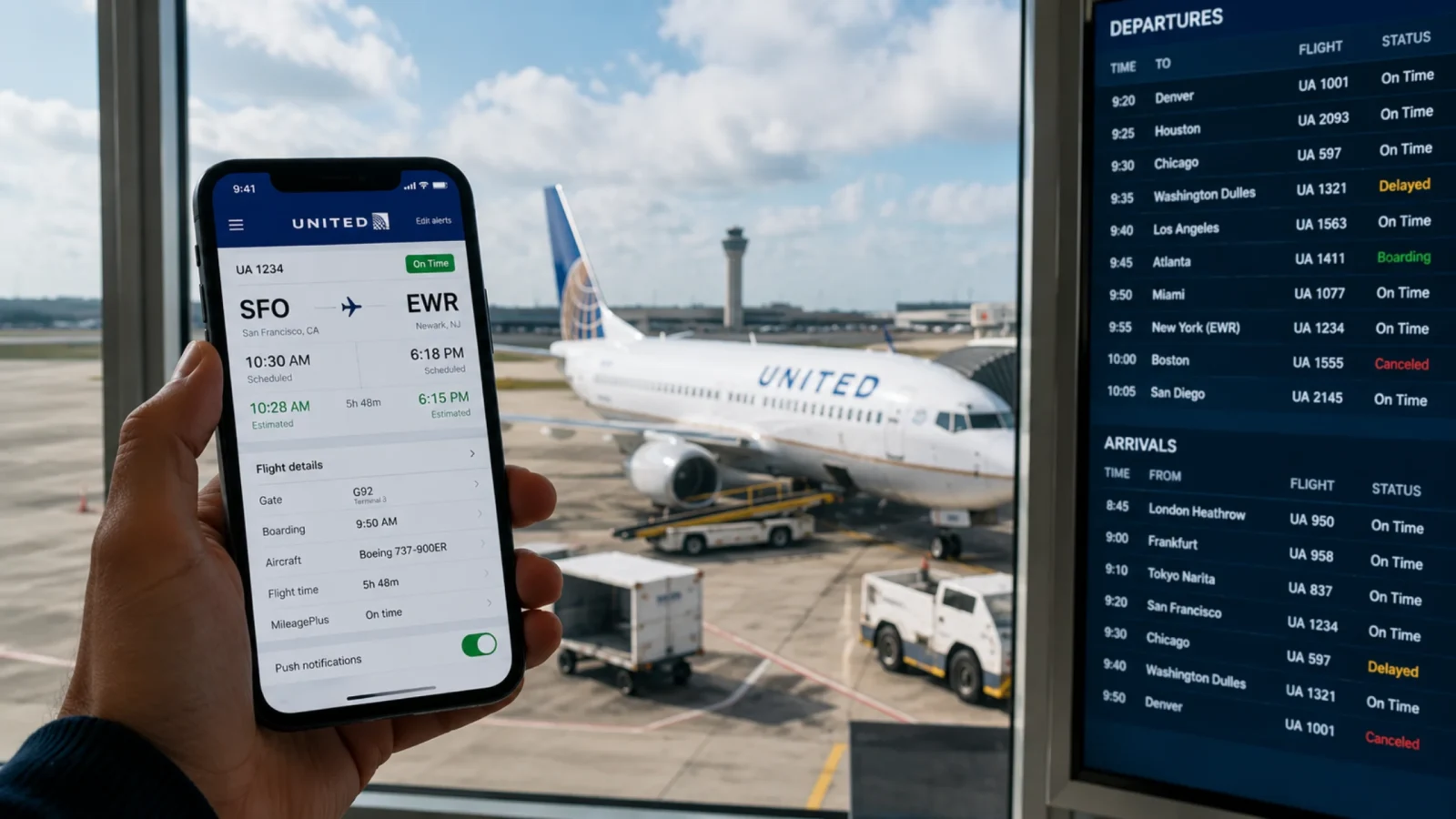
United Airlines is one of the major carriers serving more than 400 destinations across the world. The airline has an extensive network covering the key domestic and international cities. Flights are not always on schedule and can be delayed, canceled, or rescheduled due to extreme weather conditions and unforeseen events, including air traffic control. Therefore, checking the United flight status becomes an inevitable part of the journey. The passenger is always kept up-to-date on the time of departure, layover times, gate and terminal changes, and real-time updates. This ultimately makes your travel seamless by minimizing the waiting periods and easy passenger pickups.
Why You Should Check Flight Status Before Leaving
Checking the flight status helps the passengers to avoid unexpected waiting hours due to delays or last-minute surprises. Flight schedules often change due to weather, air traffic, technical errors, or operational problems. Here are the reasons why a travelers should always check the flight status before leaving for the airport:
Catch Last-Minute Delays and Cancellations: Airlines may need to change the flight times due to weather, technical or operational problems. The passenger can use the flight status check to confirm the departure time and not waste their time waiting for the plane at the airport.
Track Gate and Terminal Changes: There are times when airport may have change the departure terminal or gate of an airline due to incoming flight delays or aircraft positioning. The flight status tool updates the changes to help you locate the correct terminal at the airport.
Manage Check-In and Security Timelines: If your booked flight is running late from the scheduled hour, the check-in and security time will also shift accordingly. With United flight status today, you can manage the changes better.
Coordinate Transportation Seamlessly: Whether you have to catch a United flight or are moving to the airport to pick up or drop off someone, knowing the real-time updates helps you adjust your travel schedules.
Act Quickly on Rebooking Options: The flight status tool informs you regarding the delays and cancellations earlier. And thus, it allows the passengers to look for rebooking options before the airline’s website receives a load of traffic or phone lines become busy.
Who Can Check United Airlines Flight Status?
The United Airlines flight status tool is accessible to all. The passengers do not require a confirmation number or e-ticket, and thus anyone, whether they have a booking or not, can easily check the flight status. However, in general, the following people check the flight status:

Passenger: The schedule change directly affects the passengers, and thus they might be looking to get the latest updates of their booked flights.
Friends & family members: If you have someone on a United flight, you might want to get the live location of their flight to plan a pickup. Alternatively, you might also look for flight status when you have to drop someone at the airport.
Travel Agents & Coordinators: These are third parties that provide services to passengers, and thus they might want to remain updated with the flight status to serve their customers better.
What Does United Flight Status Mean?
United flight status shows the actual status of the flight. However, the status is explained in the terms, and thus it can confuse certain readers. Understand the meaning and know the actual status of your flight.
| Feature | Detail |
|---|---|
| Terms | What it means |
| In Air | It means that the flight is in the air right now. |
| Diverted | It means that the flight has changed its route and is moving in a different direction now. It can probably happen due to bad weather or emergencies. |
| Delayed | This means that the flight has been running late from its scheduled hour. |
| Canceled | The status "canceled" means that the airline has canceled the flight and the passenger cannot fly with the airline on the same ticket. |
| Landed | It means that the flight has reached the runway but is still moving and the passenger has not yet started deplaning. |
| On Time | If the status shows on time, it simply means that the flight is operating as per the schedule. |
| Boarding | When passengers start getting on the plane, the tool updates the status to boarding. |
| Departed | This means that the flight has left the airport. |
| Arrived | When the flight reaches the destination, the status is updated to arrived. |
What is Required to Check the Flight Status of United Flights?
Any passenger can check the United flight information status. They just need a little information and get the real-time updates on their mobile phones. The best part is it does not even require a booking. Anyone with or without a valid United booking can easily view the flight status. Here is the information required:
Flight number: You can easily find the flight number on the confirmation email or boarding pass, or you can also simply search the flight number on the internet.
Departure airport or city: If you do not have the flight number or are unable to find one, you can search via route, where you must know the departure airport or city name.
Arrival airport or city: The airport of arrival will complete the route, and thus you must know where you have to go.
Date of travel: A flight might have several trips over a week, or there can be multiple flights of United on a route. Therefore, you will have to provide the departure date to narrow down the search results, and you can get exactly what you are looking for.

How to Check the United Flight Status?
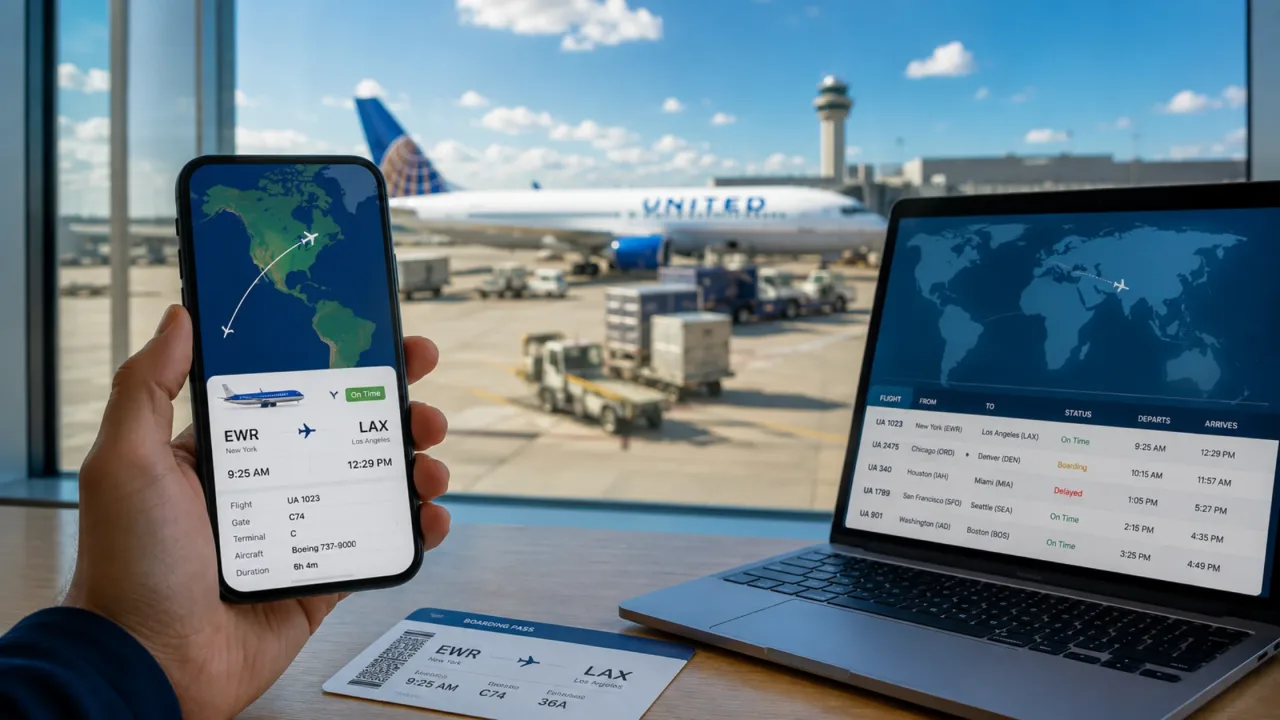
There are three different ways through which one can check United flight status of their United flight. It includes flight number, route, or notification. You can choose the one based on your requirement. The flight number and notification give you the status of a more specific flight, whereas you can check via route to explore the options of flights on a certain route.
Check the Flight Status via Flight Number
When you have booked a flight with United Airlines and are now looking to get the status of your flight, you can opt for the flight number option. Here is the process:
Visit the official website of United Airlines.
Find the “Manage my Trips” option located at the top of the page.
Now, look for the “Flight Status” option and redirect to the status page.
Select the date of departure, airline, and flight number.
Tap on the “Check Status” button and get the real-time United flight information status, which will appear on the screen.
Check United Flight Status by Route
When you do not have the flight number with you and want to explore your option of the available flight on a route before booking, this is the best option. Here is the process:
Go to the official website of United Airlines.
Look for the “Manage my Trips” option and find the "Flight Status.”
Select the route, and proceed to enter the city of departure and arrival.
Next, mention the date of travel and select the airline as United.
Tap on the “Check Status," and the flight status will appear on the screen.
Get Flight Status Notifications
Whenever there is an update with the status, the airline will send you the notification to your mobile phone. The process is simple and straightforward; here is what to do:
While making the reservation, share your mobile number and email address with the airline.
Or
Push the notification bar on the United Airlines mobile app.
Now, the airline will send you notifications related to your gate, terminal, or schedule change to your email and SMS.
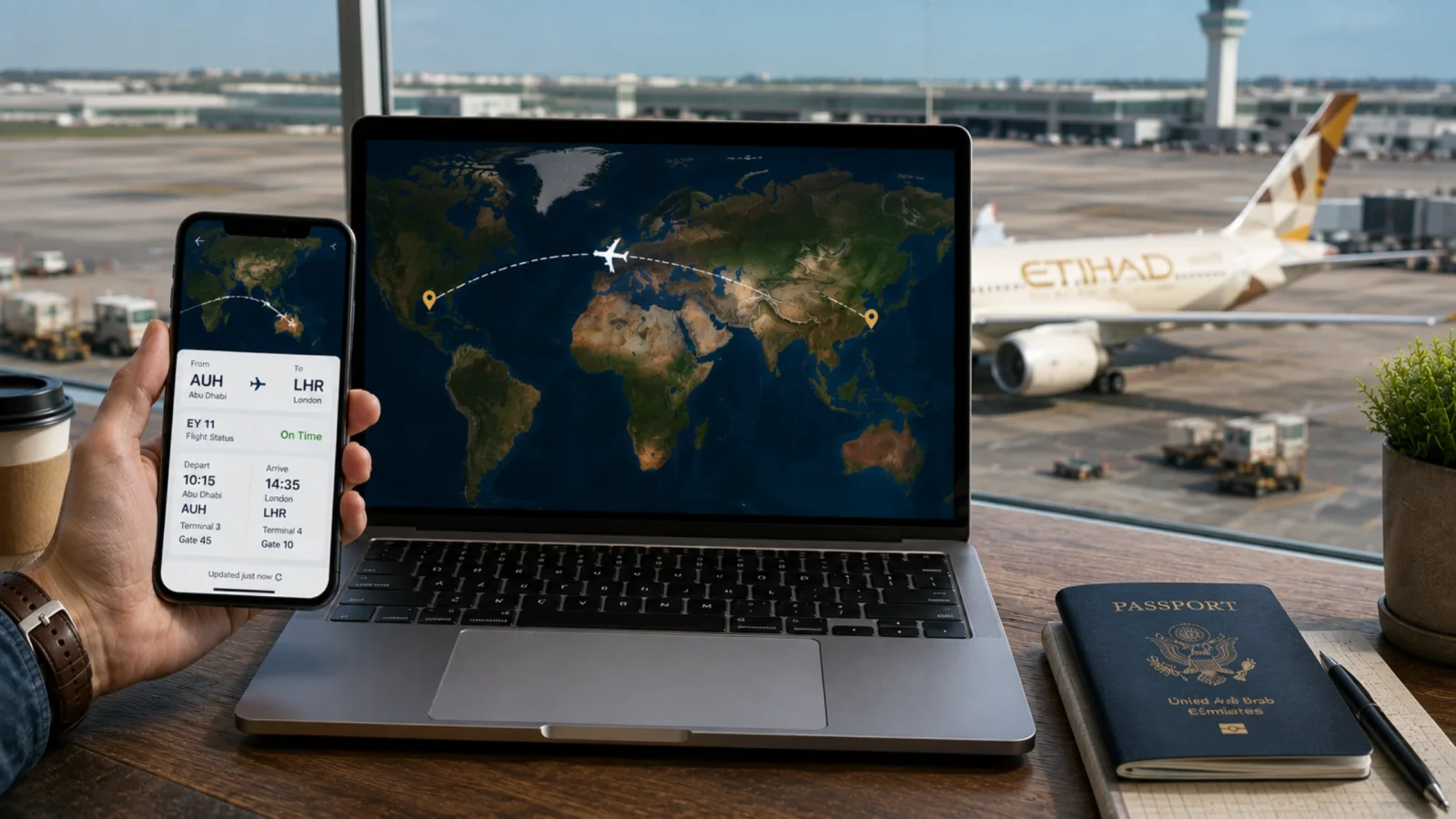
How Often Should You Check United Flight Status?
The flight status can change or update anytime, and thus, you need to check the flight status multiple times. Now, many would argue, "What if I just check once before leaving?" Doing this can inform you of the flight delays, but you may not be left with enough time to rebook. Therefore, it is best to check the flight status multiple times:
Check after making the reservation: Once you make the reservation with United Airlines and receive the confirmation email, you should check the United flight status to get the details of your booked flight, such as flight number, layover durations, gap between connecting flights, and departure terminal or gate.
Check 24 hours before departure: United opens its check-in window 24 hours before departure. The passengers are suggested to check the flight status while completing the check-in process. It is because the airline may make some changes after the booking. Thus, check the flight status 24 hours before departure to confirm the schedule or spot the changes before packing your bags.
Check before leaving for the airport: Always check the flight status before you leave for the airport. So, if there is a slight delay with the flight, you can adjust your departure from home or hotel accordingly and avoid unnecessary waiting hours at the airport.
Check at the airport: It has often been noticed that airlines make last-minute changes to the terminals or gates due to operational reasons. Therefore, passengers must check the flight status at the airport to confirm the departure gate, terminal, or time.
Conclusion
Passengers often face challenges due to last-minute changes to the gate, terminal, or departure time. It happens due to various reasons such as weather, air traffic, or unexpected events like technical error. Therefore, checking the United flight status is an important part of the journey to ensure a hassle-free experience. Anyone, including passengers, friends, or family members, can check the flight status to confirm the schedule of the flight. The passengers are suggested to check the status of their flight multiple times after booking until they reach the boarding gate. This ensures they remain ahead of any changes and avoid last-minute surprises.
Frequently Asked Questions
To check the flight status, move to the official United flight status page and enter the flight number or route and select the date of departure and enter the check status button, and the key details of your flight, including the departure time, gate, terminal, etc., will appear on the screen.
To check the flight status of your United flight, you will require the flight number or route. Enter this information with the departure date and select your airline as United and get the flight status on your screen.
You can check the current status of your flight using the flight number or route, or you can simply share your phone number or email address while making the reservation, and the airline will notify you with real-time updates of your flight status.
United Airlines can face delays due to severe weather conditions, technical errors, or air traffic. Use the official United flight status tracker tool online to check if your flight is delayed from the scheduled hour.